How to add аnd remove admins
There are 2 ways you can manage your ARK: Survival Evolved admins.
One is Temporary, and the other is Permanent, and we are covering both in this article.
Adding and removing admins is a crucial aspect of ARK server management, ensuring both security and efficient moderation. Admins have access to powerful tools, including player bans, configuration adjustments, and overall server maintenance. Properly managing admin privileges helps maintain a fair and stable gaming environment. Want to learn more about configuring ARK server settings? Click here.
TEMPORARY METHOD
You must enter the enable cheats command every time you log in as an administrator. To permanently add and remove administrators on the ARK server, a text file must be created (shown later in this article)
Step 1) Go to your console > click on your server and stop it using the "STOP" button.

Step 2) Once your server is stopped, go to "SETTINGS".

Step 3) You’ll find a field called "ADMIN PASSWORD" on the top left of the page. Input your desired password in that field.
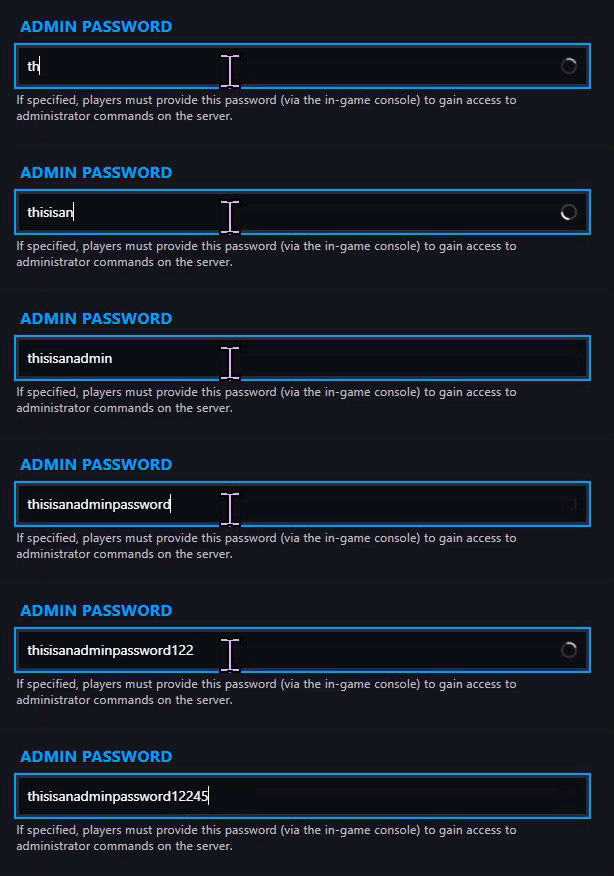
Step 4) Go back to the console and start the server again.

Step 5) Launch the game and log into your ARK Server. Then press TAB to open the input field and type:
enablecheats youradminpasswordgoeshere
Do a test by using a random admin command like
admincheat fly
PERMANENT METHOD
Step 1) Go to your Console > click on your server and stop it using the "STOP" button. Once your server is stopped, go to the "FILE MANAGER", which you’ll find in the menu on the left under "SERVER CONTROLS".

Step 2) Navigate to ShooterGame > Saved.

Step 3) Create a NEW FILE

> Enter the STEAM IDs for your admins, each on a new line, and then SAVE the file as 'AllowCheaterSteamIDs.txt'.

Step 4) Go back to the Console and start the server again.
Congratz! You can now manage your server's administration. Happy gaming!
