How to Change the Difficulty on your ARK Server
Adjusting the difficulty on your ARK Server affects wild creature levels, damage, and the overall challenge of the game. This allows you to fine-tune the experience to better match your preferred gameplay style.
Step 1) Go to your Console, click on your server, and stop it using the "STOP" button.

Step 2) Open the User Settings option from the menu on the left.

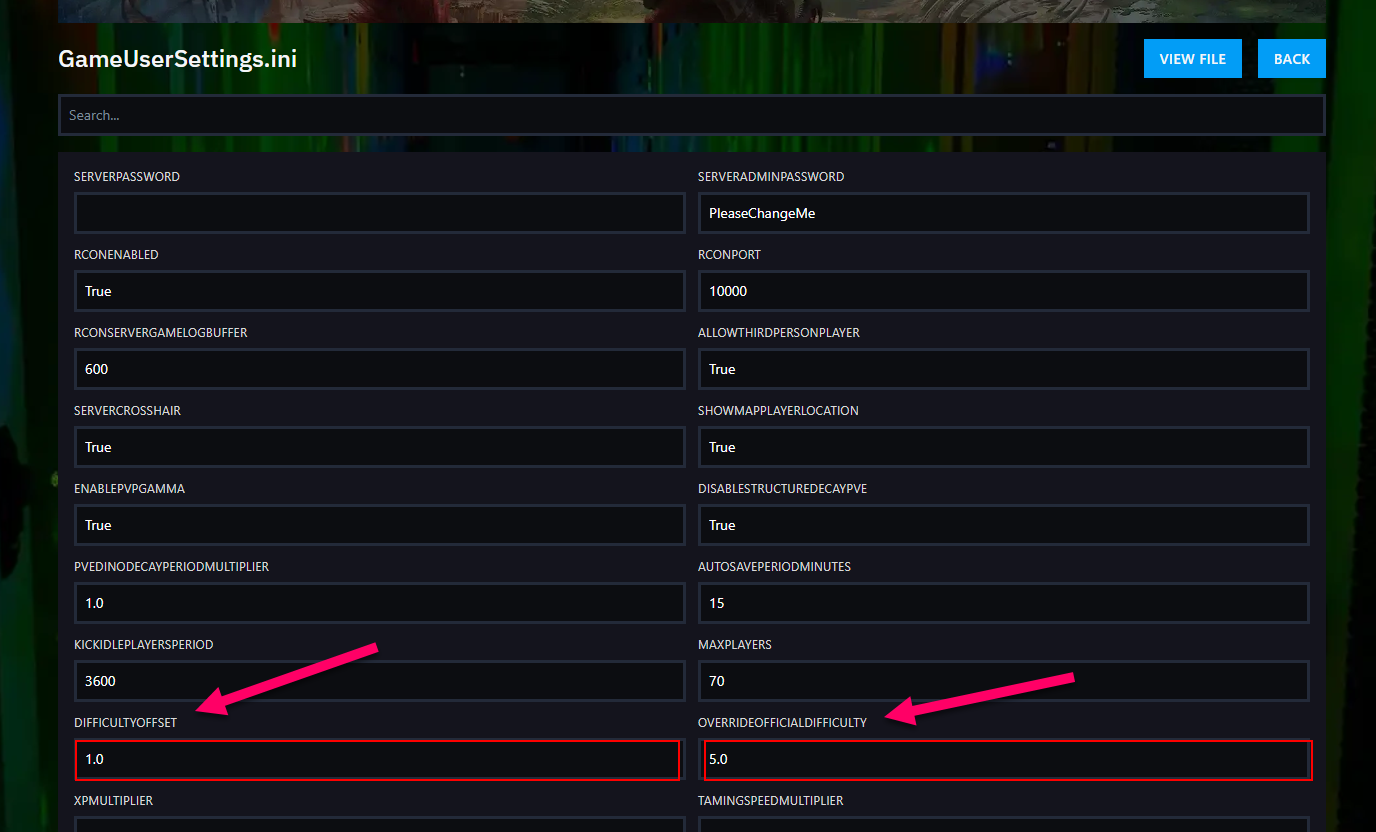
You will see a page containing the GameUserSettings.ini settings, with built-in fields for most available values. The two settings you need to change are:
- DifficultyOffset
- OverrideOfficialDifficulty
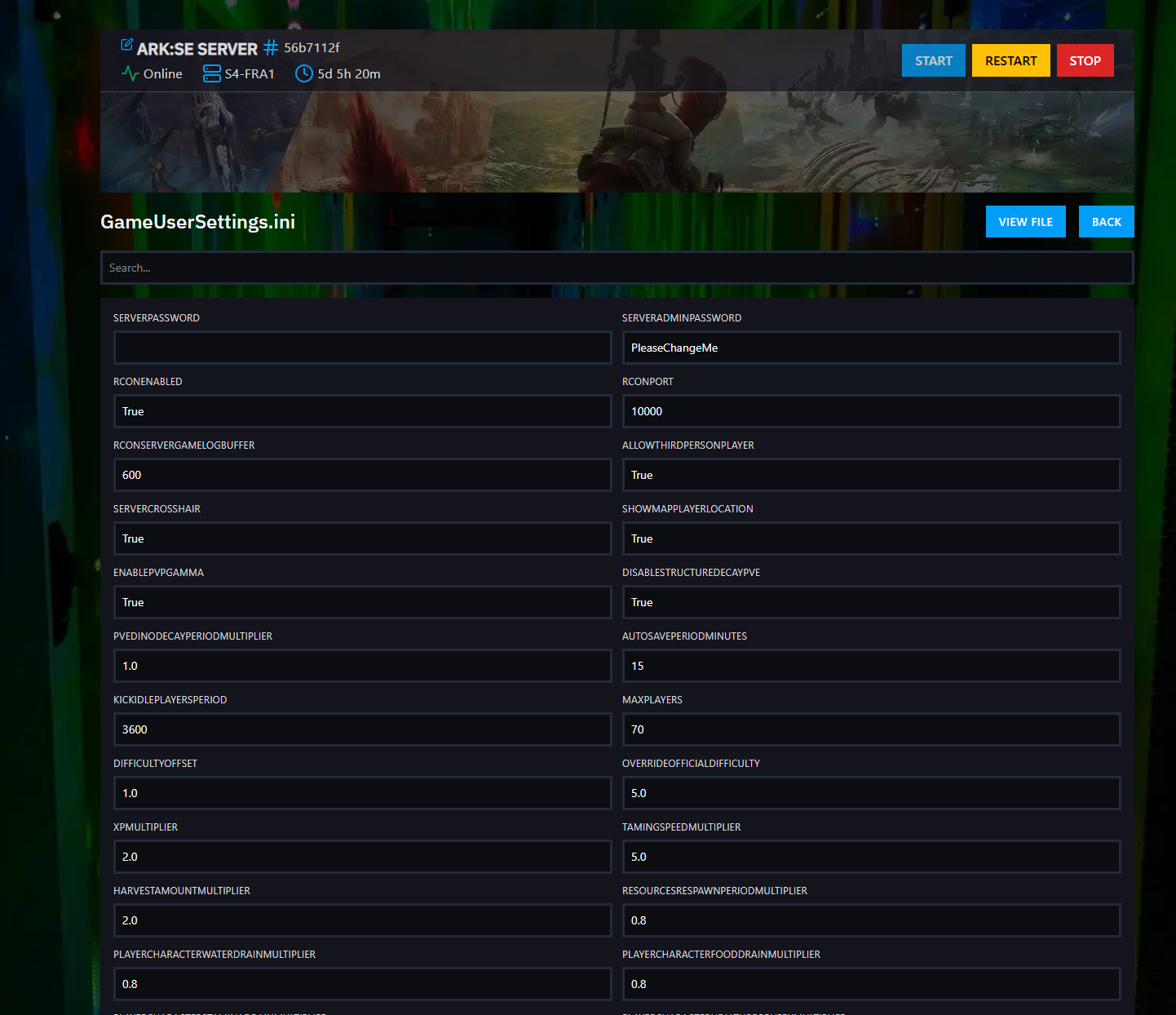
You can quickly find these settings by pressing Ctrl + F and searching for them.
Step 3) After locating the fields, enter the values you want.
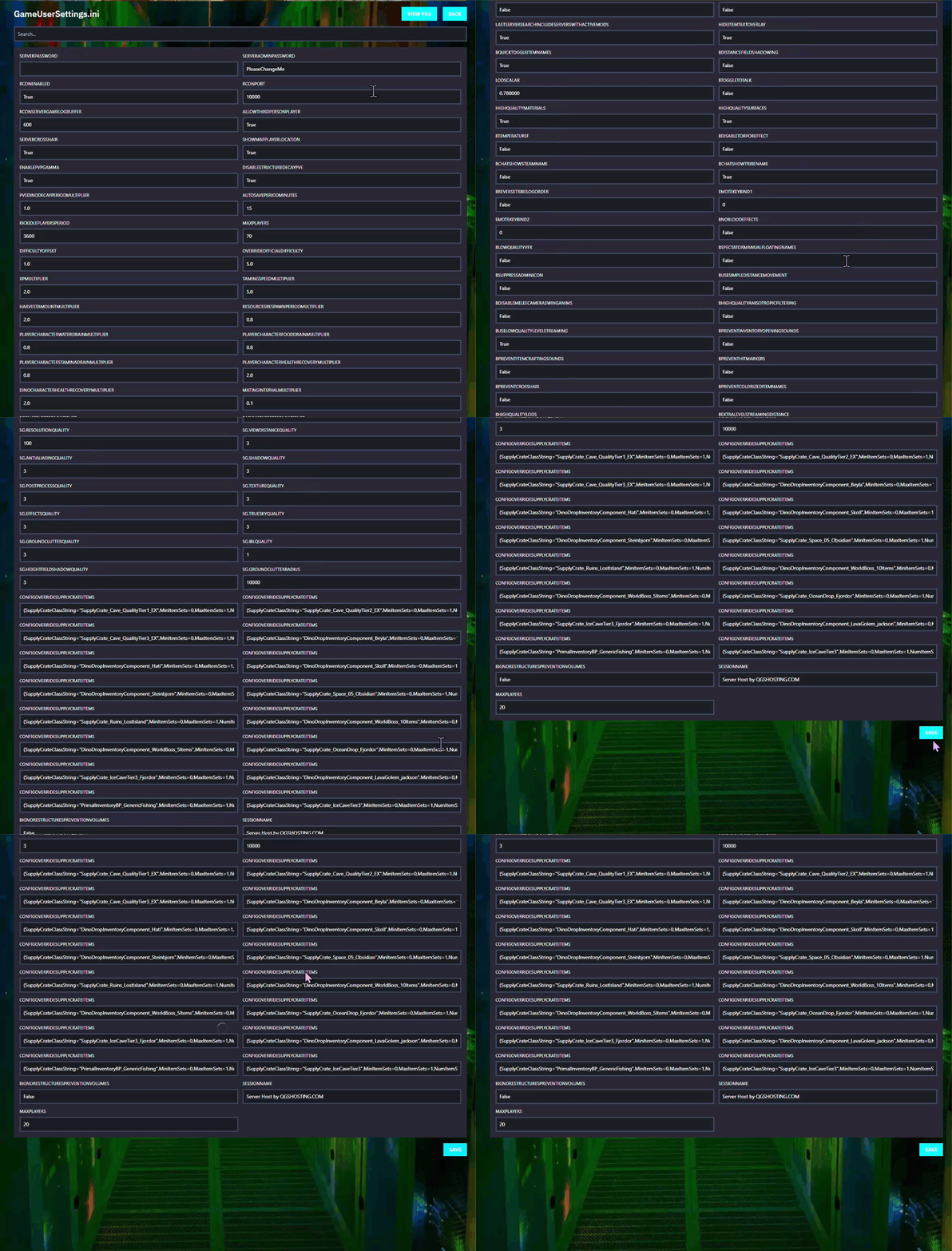
Step 4) Scroll to the bottom of the page and click SAVE after you finish editing.
Step 5) Return to the Console and start your server again.

