How to Join Your ARK Server via Steam or Epic Games
ARK: Survival Evolved servers can be joined using either the Steam launcher or the Epic Games launcher.
In this guide, we will show you how to connect to your server using both methods.
How to Join via Steam
Step 1) Open your Console, select your server, and copy the Steam IP from the left-side menu.
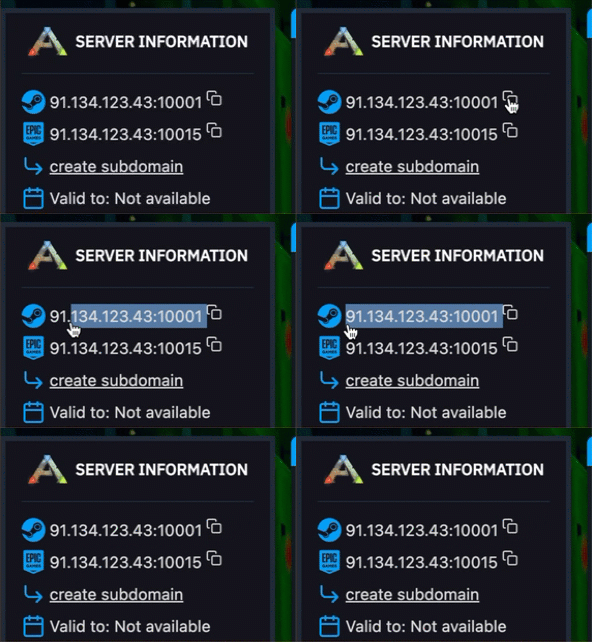
Step 2) Open Steam, then go to:
View → Game Servers → Favorites
Step 3) In the Favorites tab, click the [+] button and add your server’s IP address.
After that, your server should appear in the list, and you can join it directly through Steam.
How to Join via Epic Games
Step 1) Open your Console, select your server, and copy the Epic IP from the left-side menu.
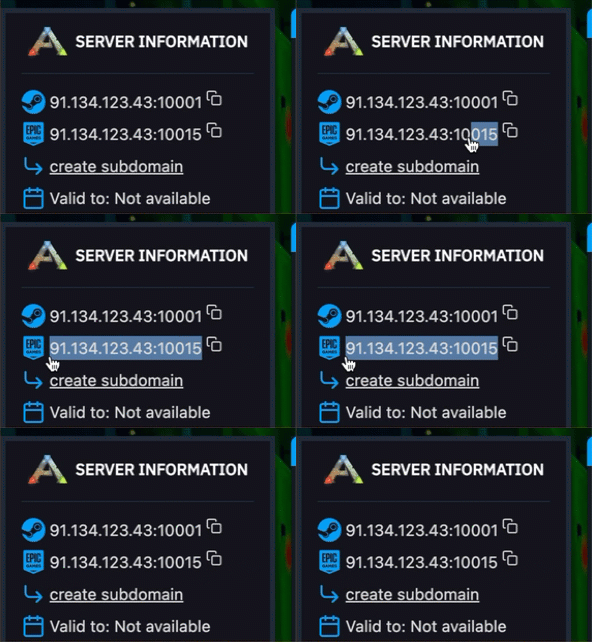
Step 2) Launch ARK: Survival Evolved through Epic Games.
From the main menu, click:
HOST/LOCAL
Then start a Single Player session.
You do not need to change any settings or select a different map. This step is only used to open the in-game console.
Step 3) Once the game has loaded, press TAB to open the console.
Enter the following command:
open IP:PORT
Replace IP:PORT with your actual server IP and port from the control panel, then press ENTER.
You should now connect to your ARK server.
