How to Reinstall your ARK server and Start Fresh
Over time, an ARK server can become crowded with abandoned bases, unused structures, old tames, and leftover data that may affect performance.
Reinstalling the server is a quick way to start over with a clean world. This can help improve stability and also gives players a fresh start for new builds, different mods, or a new map.
Reinstalling your server will remove the current server data. Make sure you have backups of anything you want to keep before continuing.
Step 1) Open your Console, select your server, and stop it using the STOP button.

Step 2) Once your server is stopped, open SETTINGS.

Step 3) At the top of the settings page, you will see three buttons. Click the REINSTALL button.
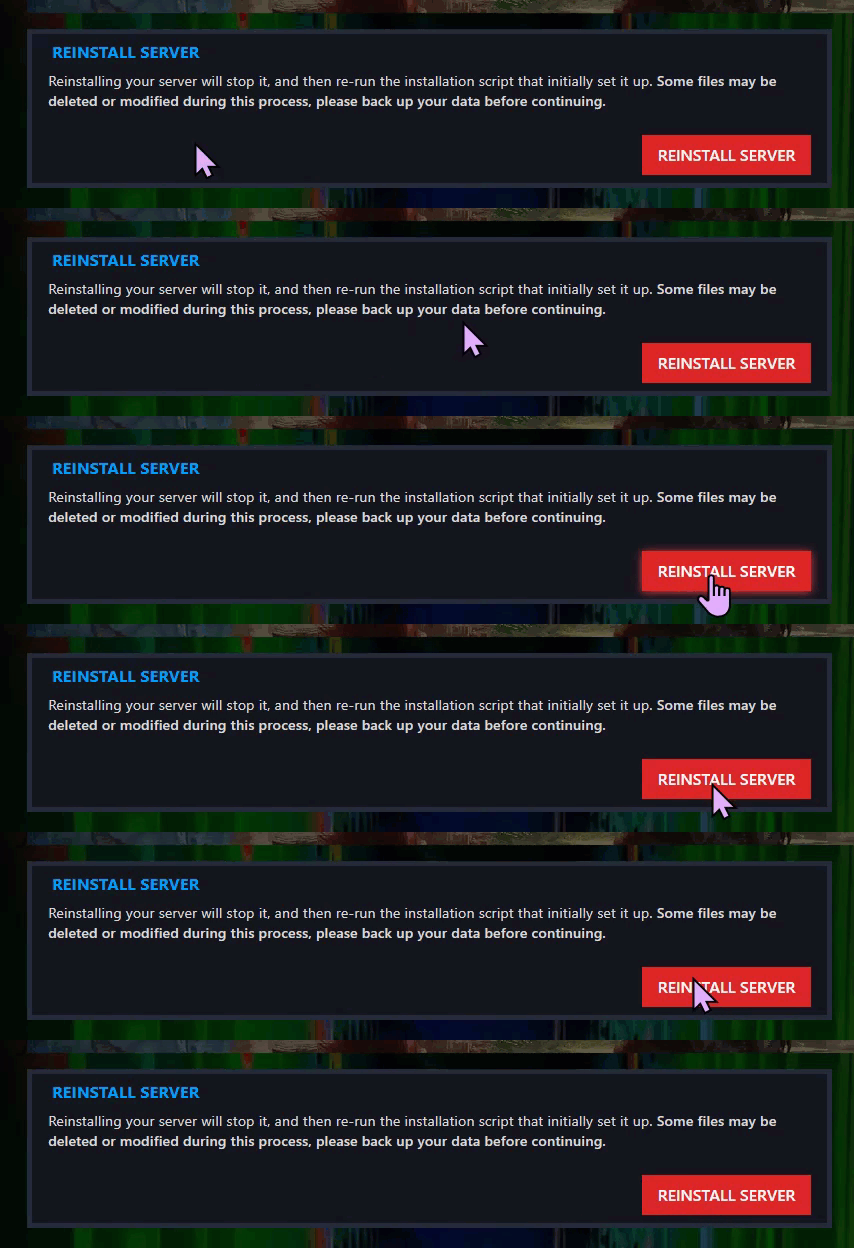
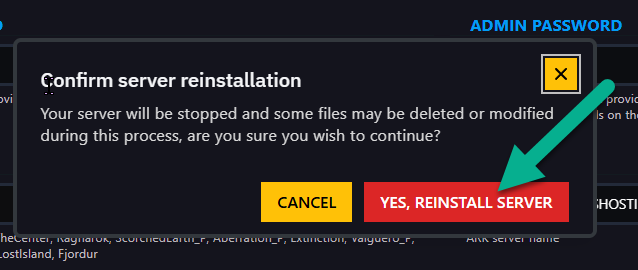
Then confirm the action by clicking YES, REINSTALL SERVER.
Step 4) Return to the Console and start your server again.

Your server has now been reinstalled and is ready for a fresh start.
