How to change player and dino stats
In ARK: Survival Evolved, both players and dinosaurs gain stat points when they level up. These points affect attributes such as health, stamina, and more, allowing you to customize progression and gameplay.
By editing your ARK server settings, you can adjust stat multipliers per level and tailor the server experience to match your preferences.
You can do this in two ways:
Method 1: New Menu
Step 1) Go to your Console, click on your server, and stop it using the "STOP" button.

Step 2) Open Game Settings from the menu on the left.

You will see a page containing the Game.ini settings, with built-in fields for most available values. You can quickly find a specific setting by pressing Ctrl + F and searching for it.
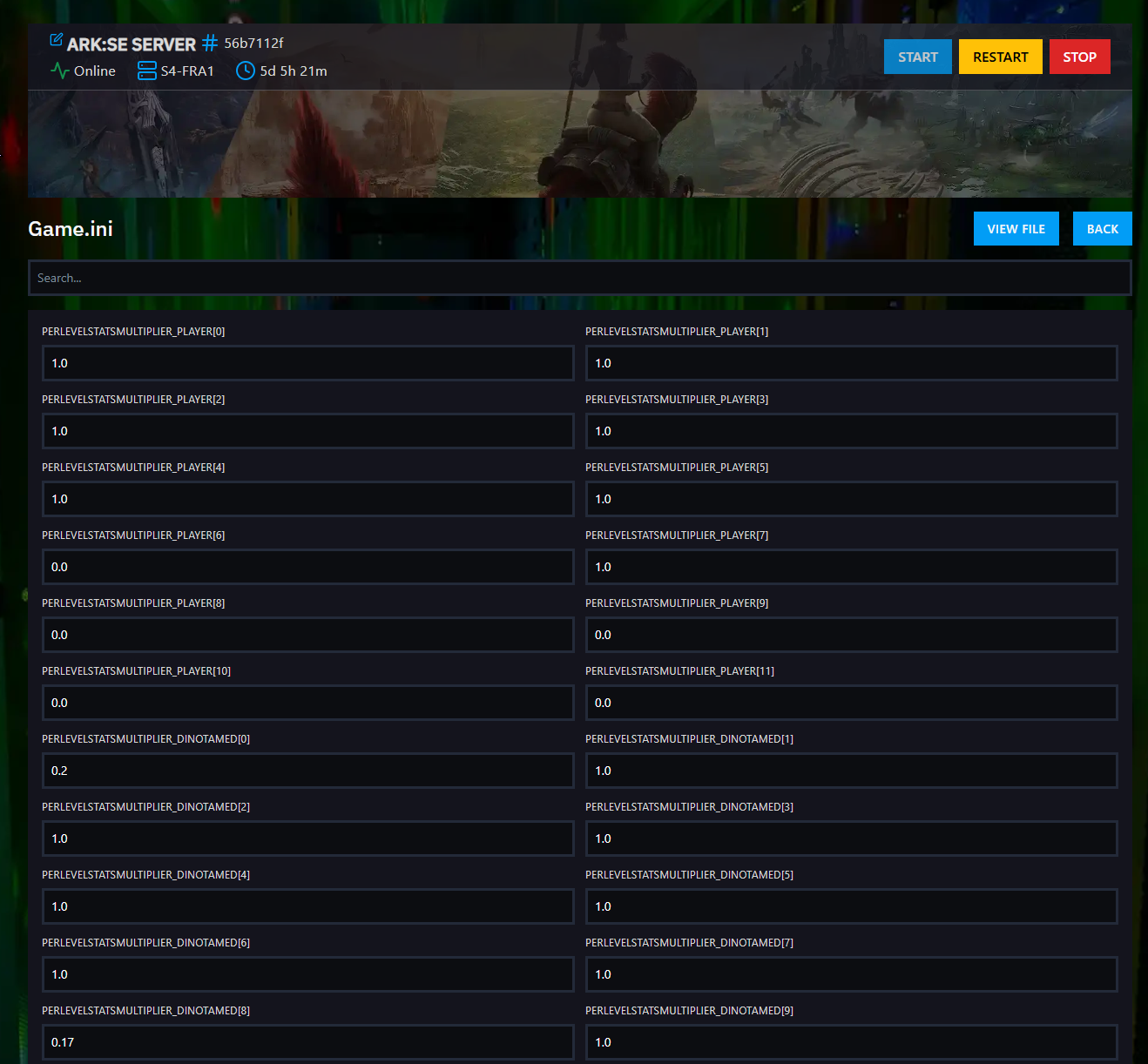
You can also click View File on the right side above the settings menu if you want to edit the file directly. If you choose that option, follow the steps in Method 2.
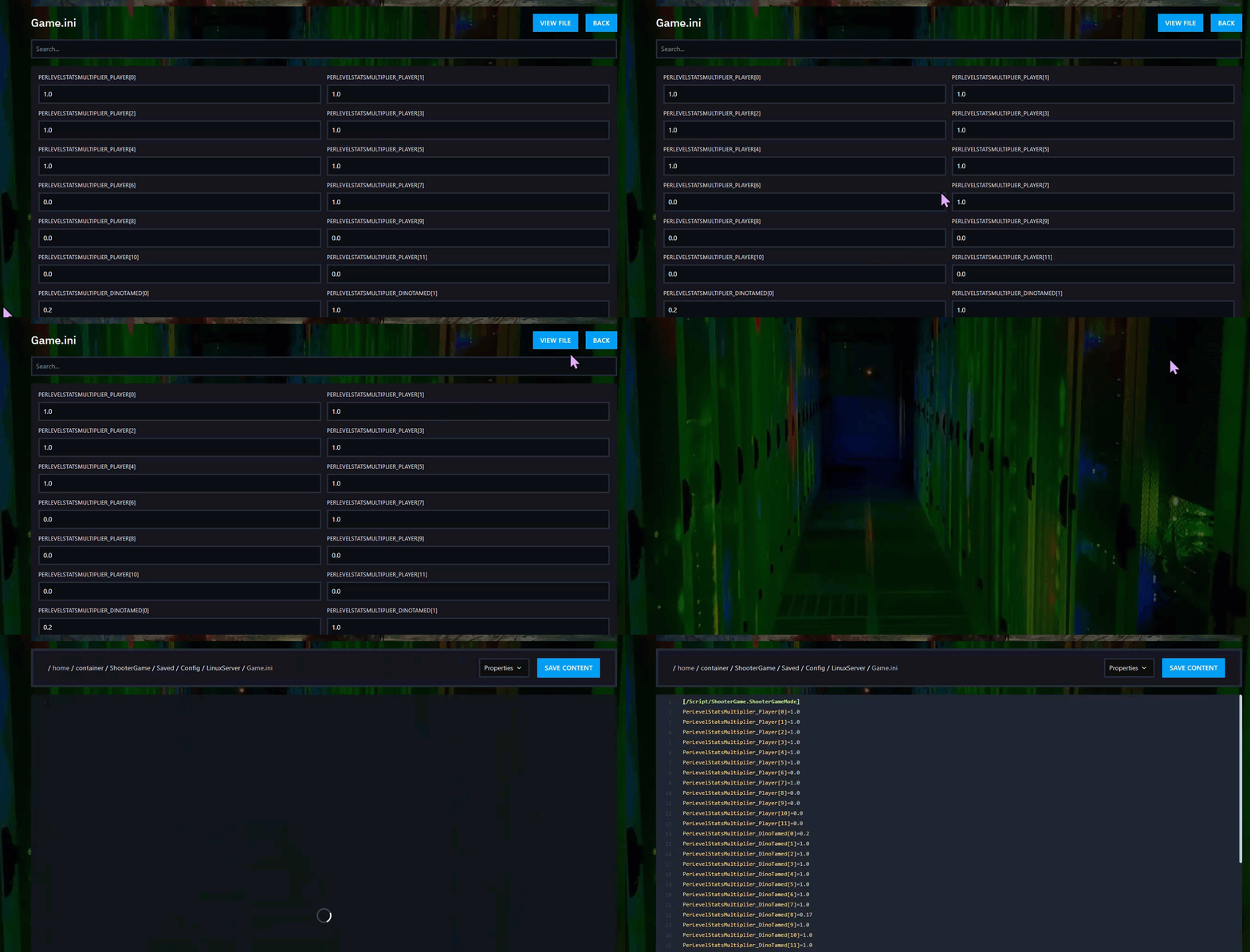
Step 3) Find the PerLevelStatsMultiplier fields and enter the values you want.

Step 4) Scroll to the bottom of the page and click SAVE when you are done.

Step 5) Return to the Console and start your server again.

Method 2: File Manager
Step 1) Go to your Console, click on your server, and stop it using the "STOP" button.
Once the server is stopped, open FILE MANAGER from the menu on the left under SERVER CONTROLS.

Step 2) Navigate to:
ShooterGame > Saved > Config > LinuxServer
Open the Game.ini file.

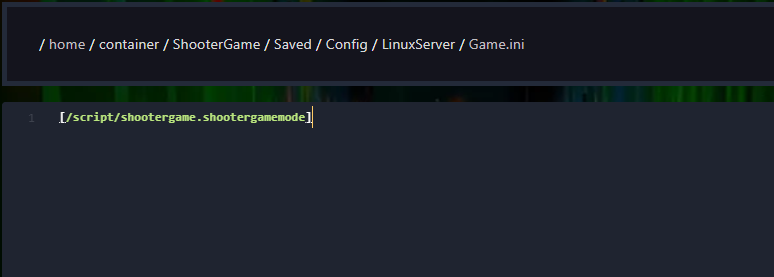
Step 3) If the file is empty, add the following line at the top:
[/script/shootergame.shootergamemode]
The stat attributes
6,8,9,10, and11are fixed and cannot be used here.
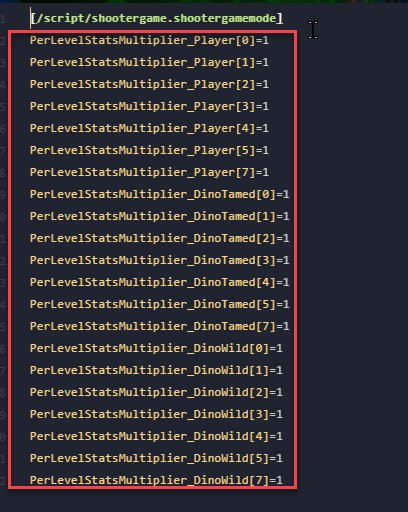
The example below includes all usable per-level stat multipliers for players, tamed dinosaurs, and wild dinosaurs, each set to1. You can copy and paste these into your server'sGame.inifile, then change the values to match your preferences.
PerLevelStatsMultiplier_Player[0]=1
PerLevelStatsMultiplier_Player[1]=1
PerLevelStatsMultiplier_Player[2]=1
PerLevelStatsMultiplier_Player[3]=1
PerLevelStatsMultiplier_Player[4]=1
PerLevelStatsMultiplier_Player[5]=1
PerLevelStatsMultiplier_Player[7]=1
PerLevelStatsMultiplier_DinoTamed[0]=1
PerLevelStatsMultiplier_DinoTamed[1]=1
PerLevelStatsMultiplier_DinoTamed[2]=1
PerLevelStatsMultiplier_DinoTamed[3]=1
PerLevelStatsMultiplier_DinoTamed[4]=1
PerLevelStatsMultiplier_DinoTamed[5]=1
PerLevelStatsMultiplier_DinoTamed[7]=1
PerLevelStatsMultiplier_DinoWild[0]=1
PerLevelStatsMultiplier_DinoWild[1]=1
PerLevelStatsMultiplier_DinoWild[2]=1
PerLevelStatsMultiplier_DinoWild[3]=1
PerLevelStatsMultiplier_DinoWild[4]=1
PerLevelStatsMultiplier_DinoWild[5]=1
PerLevelStatsMultiplier_DinoWild[7]=1
Step 4) Under the [/script/shootergame.shootergamemode] line, add your PerLevelStatsMultiplier settings with the values you want. Make sure each setting is placed on a new line.
Step 5) When you are done, click Save Content.

Step 6) Return to the Console and start your server again.
Nice! Your player and dino stats have now been modified.
