How to Enable Floating Damage Numbers on your ARK Server
Floating damage numbers are a useful combat feature in ARK: Survival Evolved. When enabled, you can see damage values appear above creatures and players during fights.
This makes it much easier to tell how much damage your dinos, weapons, or tribe members are dealing in real time.
In general:
- Green numbers show damage from friendly attacks
- Yellow numbers show incoming or enemy damage
This guide shows you two ways to enable floating damage numbers on your server:
Method 1: New Menu
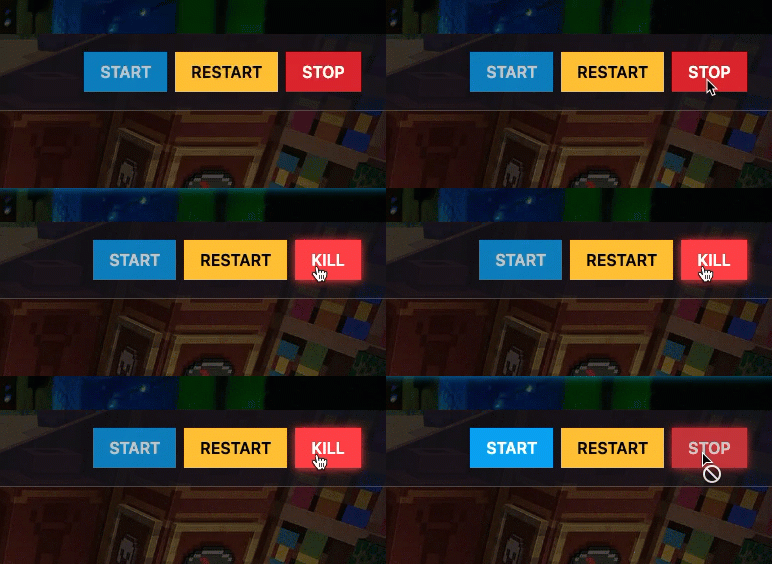
Step 1) Open your Console, select your server, and stop it using the STOP button.
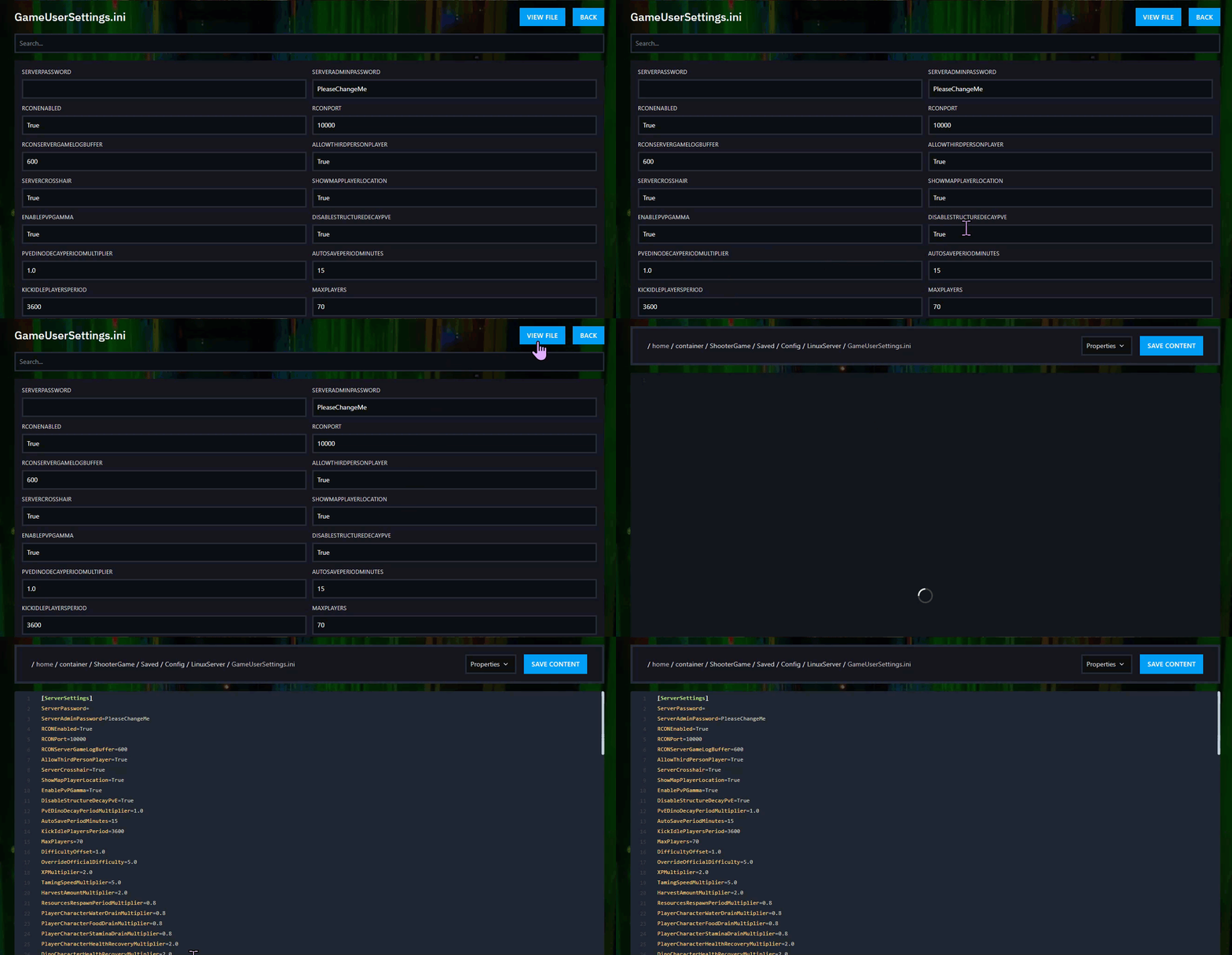
Step 2) Open User Settings from the menu on the left.

On this page, click the View File button above the settings menu on the right side.
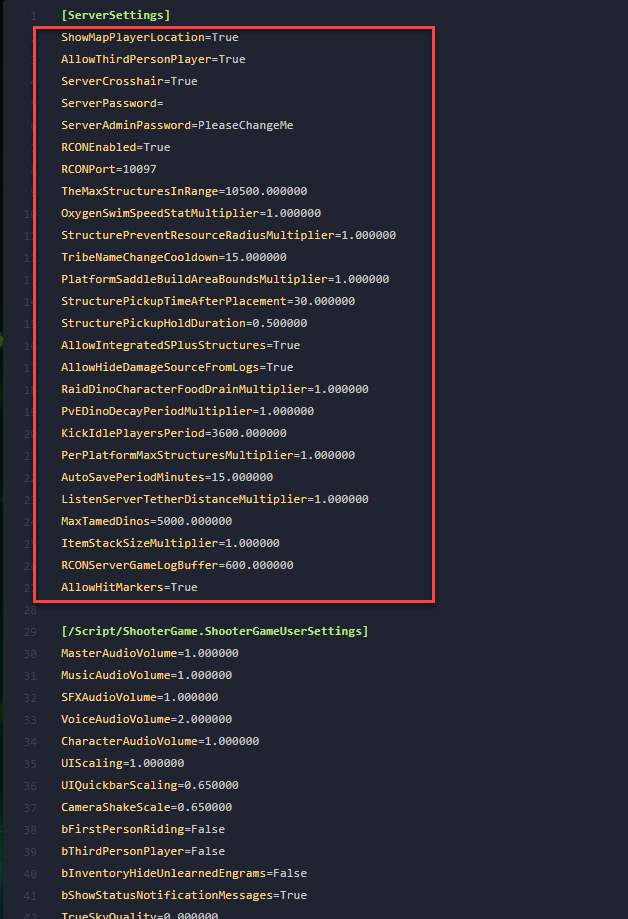
Step 3) In the text editor, find the [ServerSettings] section.
Step 4) Under [ServerSettings], add this line on a new line:
ShowFloatingDamageText=True
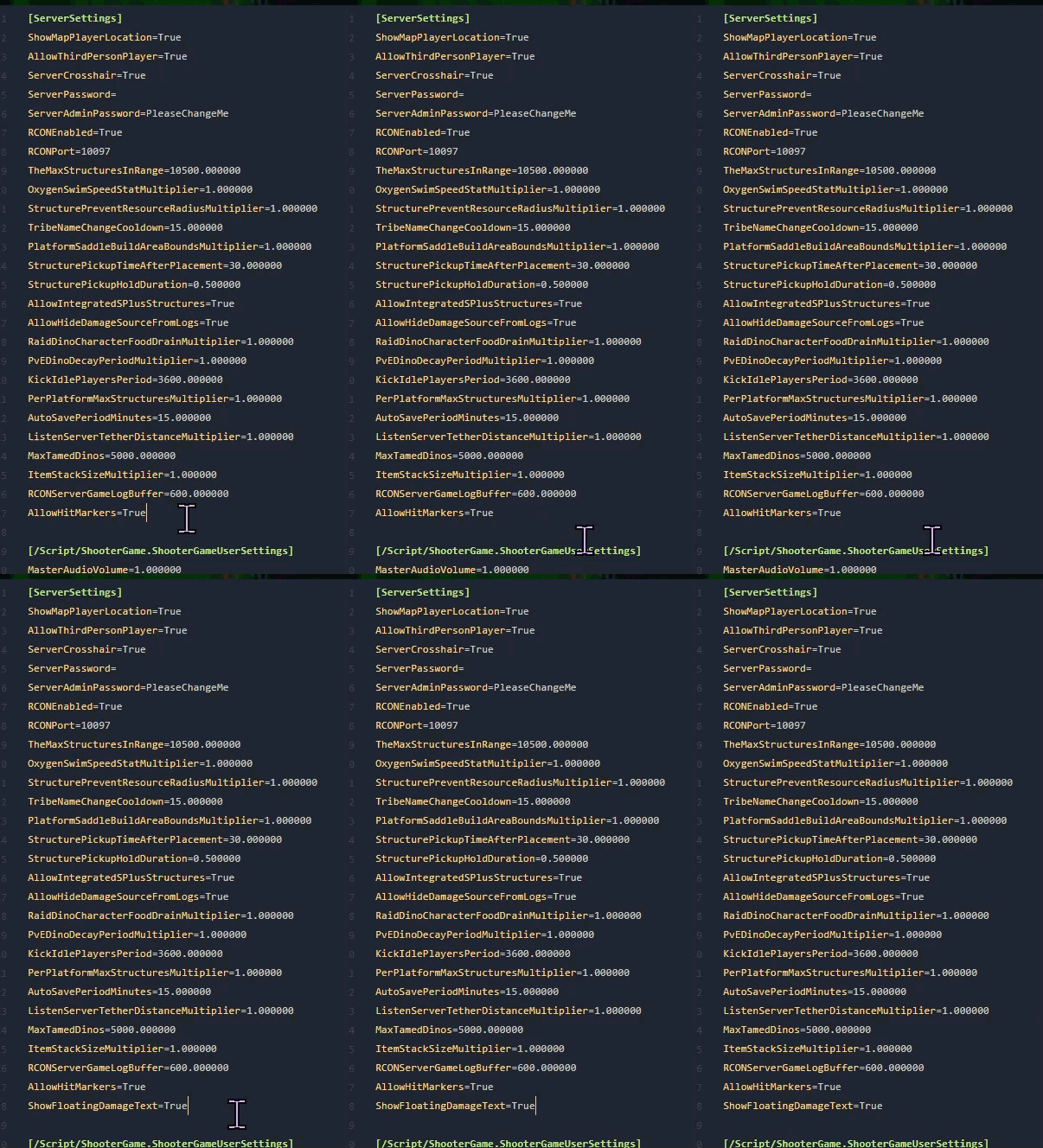
Step 5) Click Save Content.

Step 6) Return to the Console and start your server again.

Method 2: File Manager
Step 1) Open your Console, select your server, and stop it using the STOP button.
Once the server is stopped, open FILE MANAGER from the left-side menu under SERVER CONTROLS.

Step 2) Go to:
ShooterGame > Saved > Config > LinuxServer
Then open the GameUserSettings.ini file.

Step 3) In the editor, find the [ServerSettings] section.
Step 4) Under [ServerSettings], add this line on a new line:
ShowFloatingDamageText=True
Step 5) Click Save Content.
Step 6) Return to the Console and start your server again.
Floating damage numbers are now enabled on your server.
