How to change the map on your ARK Server
ARK offers a variety of maps, each with its own environment, creatures, resources, and gameplay style. Changing the map is a great way to refresh your server experience and explore new challenges.
Step 1) Go to your Console, click on your server, and stop it using the "STOP" button.

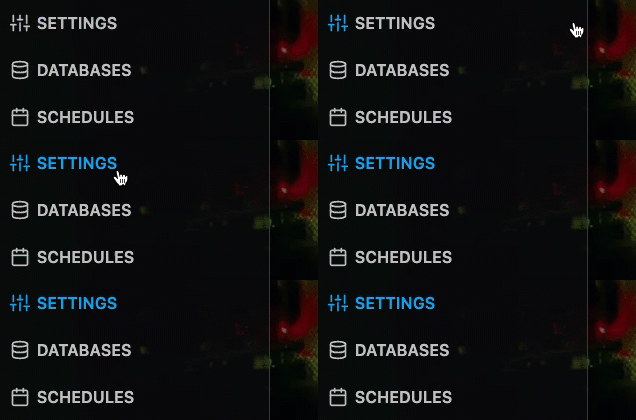
Step 2) Once your server is stopped, go to "SETTINGS".
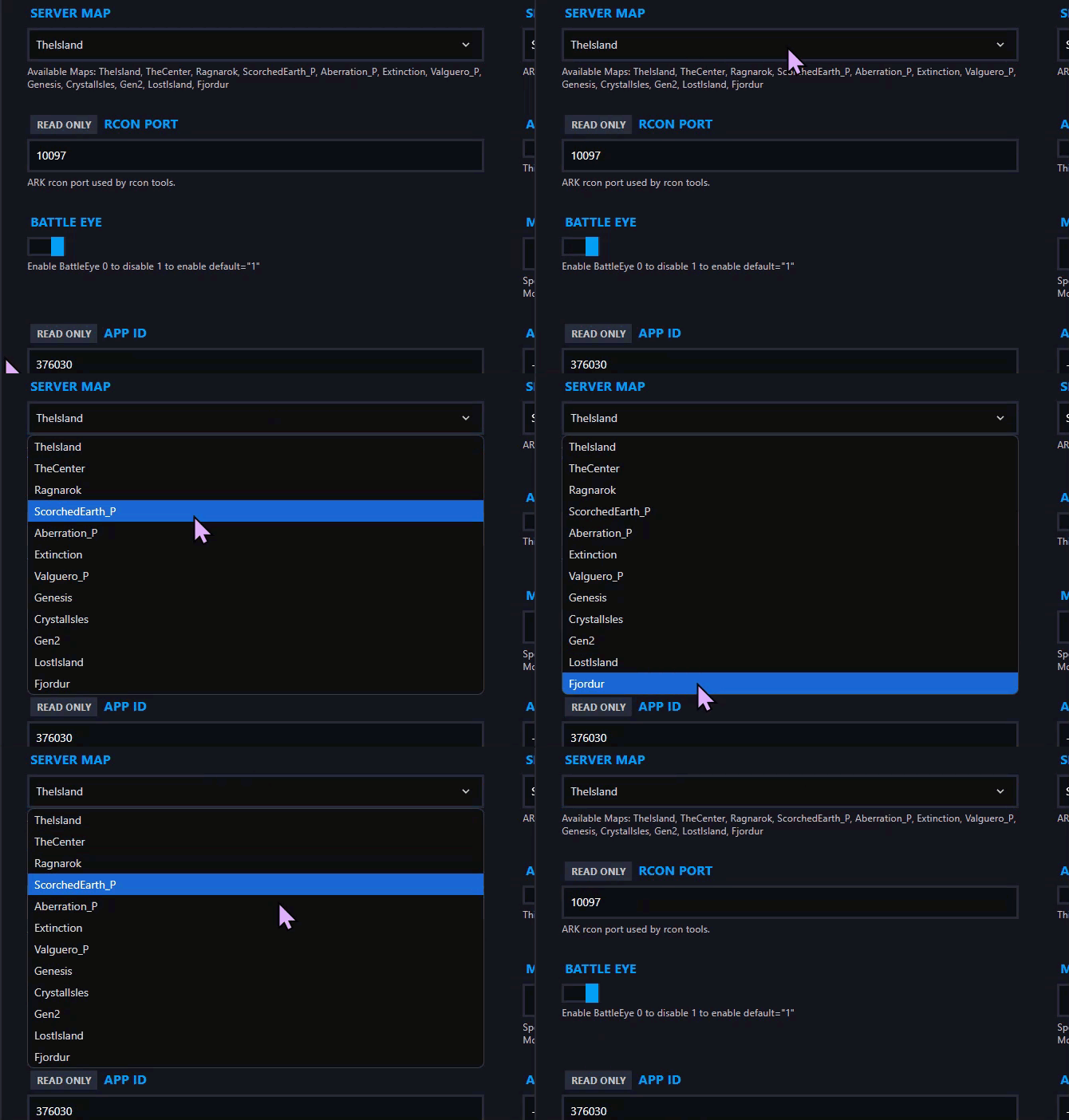
Step 3) On the left side, find the dropdown field called "SERVER MAP" and select the map you want to use.
Step 4) Go back to the Console and start the server again.

You now know how to select a map for your server.
