How to Enable Alliance Settings on your ARK server
In ARK: Survival Evolved, alliances allow tribes to work together more easily. A tribe can join multiple alliances, and each alliance can include several tribes, making cooperation much easier on larger servers.
Enabling Offline PvP Protection can automatically disable alliance functionality. If you change either setting, it is a good idea to let your players know beforehand.
This guide shows you two ways to enable alliance settings:
Method 1: New Menu
Step 1) Open your console, select your server, and stop it using the STOP button.

Step 2) Open Game Settings from the menu on the left.

You will see the Game.ini settings page.

Step 3) Click View File above the settings menu to open the raw Game.ini file.
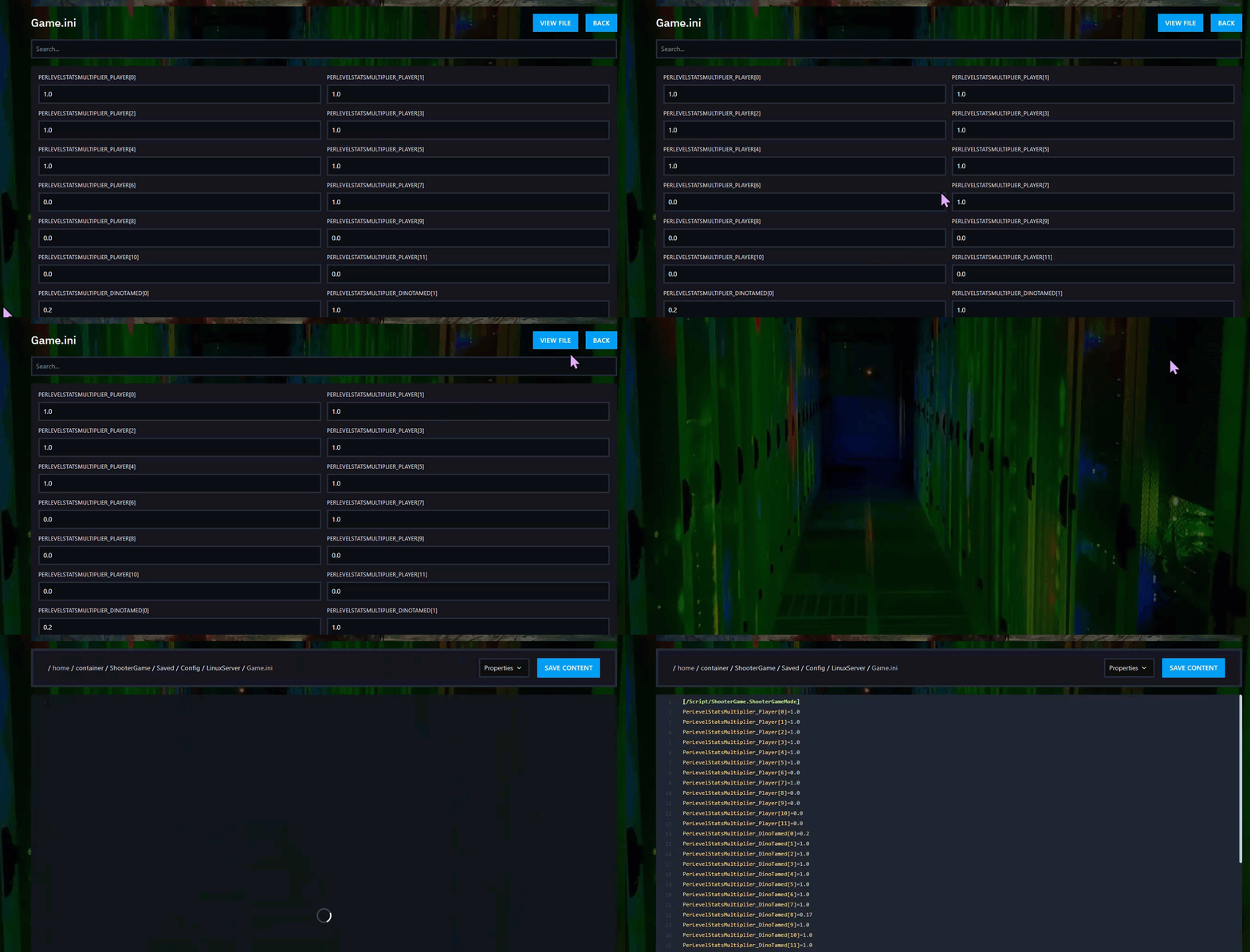
Step 4) Add these lines on separate new lines if they are not already present:
MaxAlliancesPerTribe=5
MaxTribesPerAlliance=5

Step 5) Click Save Content.

Step 6) Open User Settings from the menu on the left.

You will see the GameUserSettings.ini settings page.

Step 7) Press Ctrl + F and search for:
PreventOfflinePvP

Set its value to:
False

Then press Ctrl + F again and search for:
PreventTribeAlliances

Set that value to:
False

Step 8) Scroll to the bottom of the page and click SAVE.

Step 9) Return to the console and start your server again.

Method 2: File Manager
Step 1) Open your console, select your server, and stop it using the STOP button.
Once the server is stopped, open FILE MANAGER from the left-side menu under SERVER CONTROLS.

Step 2) Go to:
ShooterGame > Saved > Config > LinuxServer
Then open the GameUserSettings.ini file.

Step 3) In the editor, locate the [ServerSettings] section.
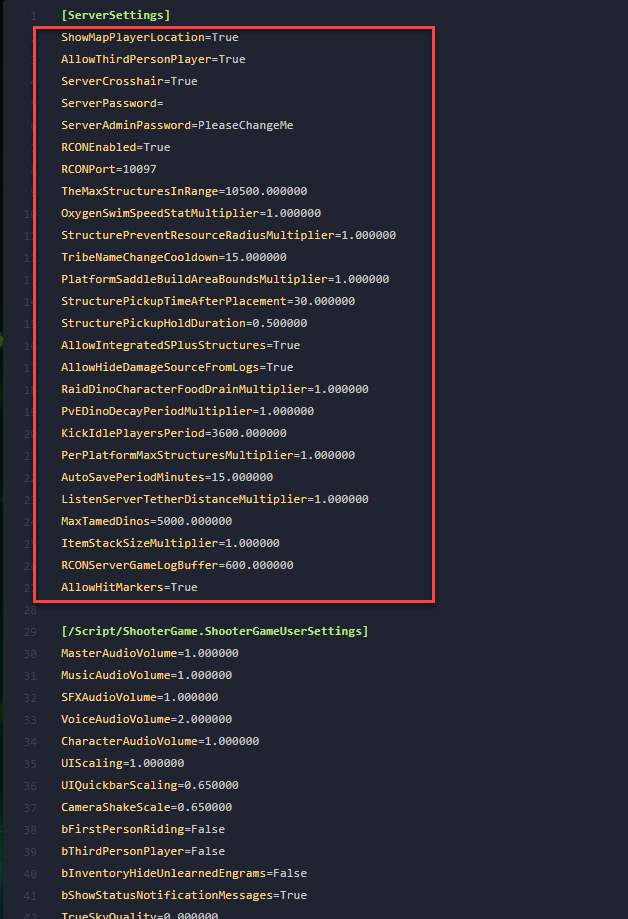
Step 4) Under [ServerSettings], add or adjust these lines on separate new lines:
PreventOfflinePvP=False
PreventTribeAlliances=False

Step 5) Click Save Content.
Step 6) In the same folder, open the Game.ini file.

Step 7) If the file is empty, add this line at the top:
[/script/shootergame.shootergamemode]

Then under that line, add or adjust:
MaxAlliancesPerTribe=5
MaxTribesPerAlliance=5

Step 8) Click Save Content.
Step 9) Return to the console and start your server again.
Your alliance settings are now enabled and adjusted.
