How to Add a Password to your ARK server
Why protect your server with a password? Adding a password to your ARK: Survival Evolved server helps you control who can join.
This is especially useful for:
- private servers
- friends-only sessions
- community groups
- preventing random players from joining
A server password can also help reduce griefing and other disruptive behavior, giving your group a more secure and enjoyable experience.
Step 1) Open your console, select your server, and stop it using the STOP button.

Step 2) Once your server is stopped, open SETTINGS.

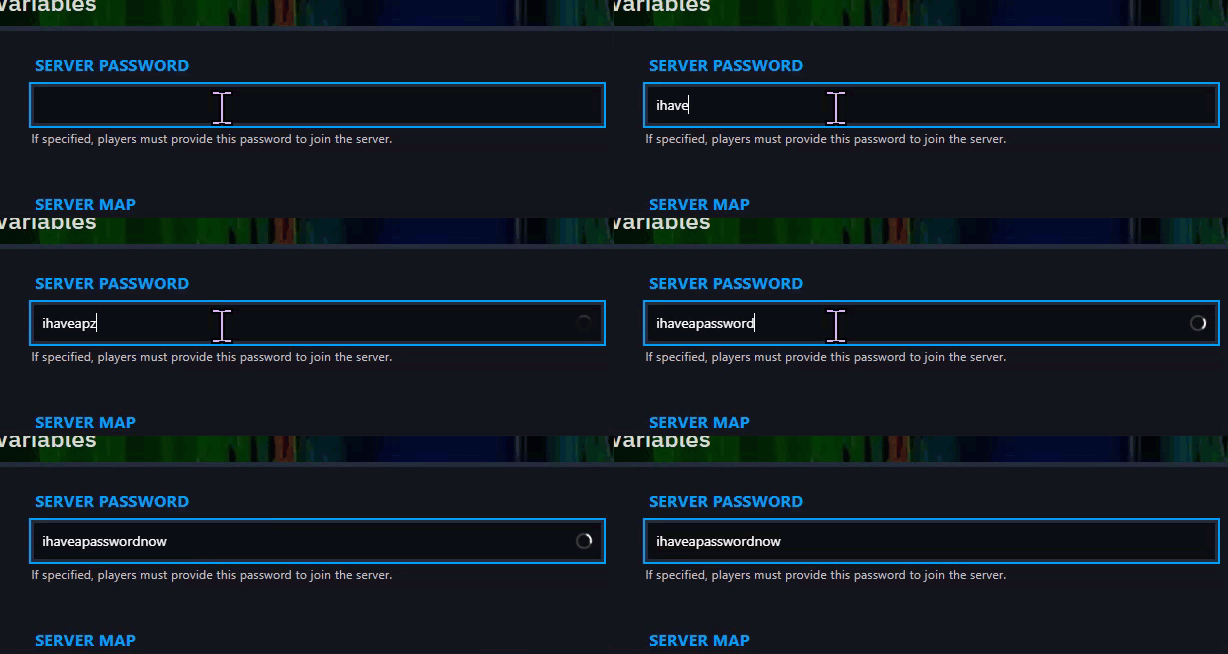
Step 3) Find the SERVER PASSWORD field in the top-left section of the page and enter the password you want to use.
Step 4) Return to the console and start your server again.

Your server is now password protected.
