How to Disable BattlEye Anti-Cheat on your server
ARK: Survival Evolved servers include several moderation and security tools. One of them is BattlEye, an anti-cheat system designed to block common hacks and exploits.
While BattlEye can help protect your server, some server owners prefer to disable it if they experience compatibility issues, performance problems, or connection errors with certain mods or plugins.
This guide shows you how to turn BattlEye off from your server settings.
Step 1) Open your Console, select your server, and stop it using the STOP button.

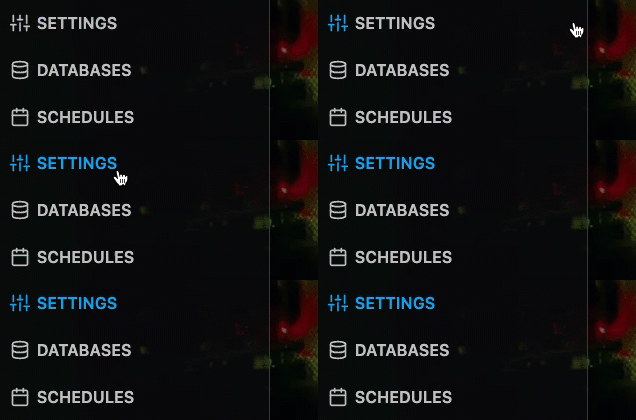
Step 2) Once your server is stopped, open SETTINGS.
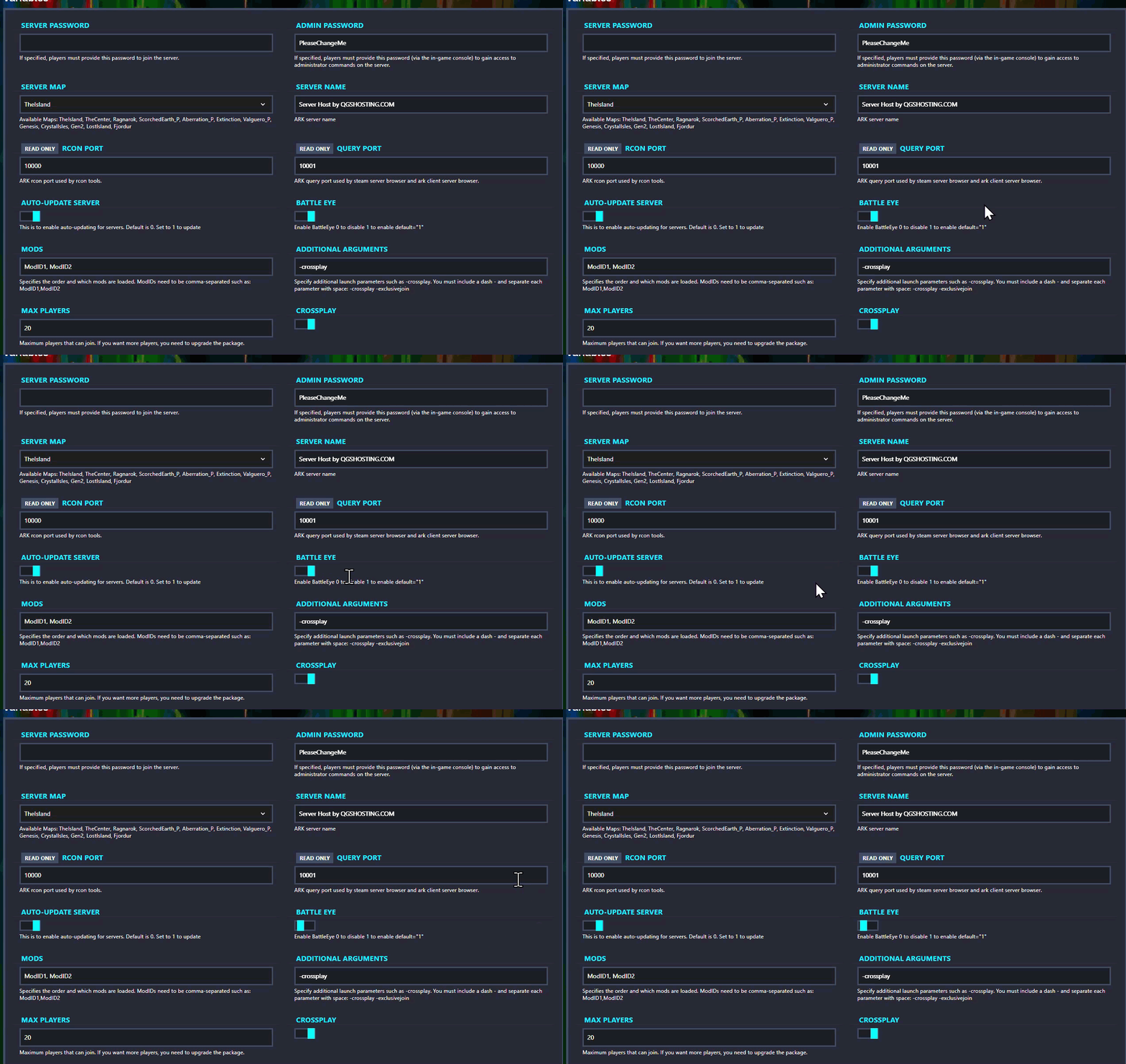
Step 3) In the right-side column, find the BATTLE EYE toggle and switch it off.
Step 4) Return to the Console and start your server again.

BattlEye is now disabled on your server.
