How to add and remove admins on your Rust server
Adding and removing admins on your Rust Server is essential for maintaining a safe and fair gaming environment. Admins help enforce server rules, handle player issues, and stop disruptive behavior. However, it’s equally important to remove admins who misuse their privileges or fail to fulfill their responsibilities, to protect the integrity of your server community.
Step 1) Go to your Console > click on your server and stop it using the "STOP" button.

Step 2) Once your server is stopped, go to "FILE MANAGER".
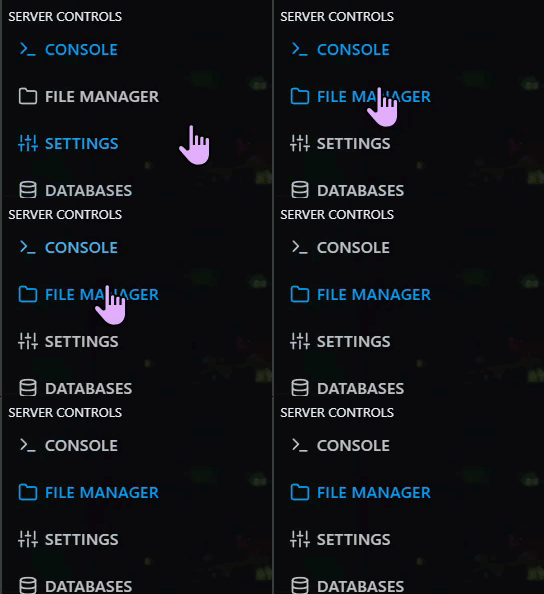
> Then navigate to home > container > server > rust > cfg

Step 3) Open the users.cfg file for editing.
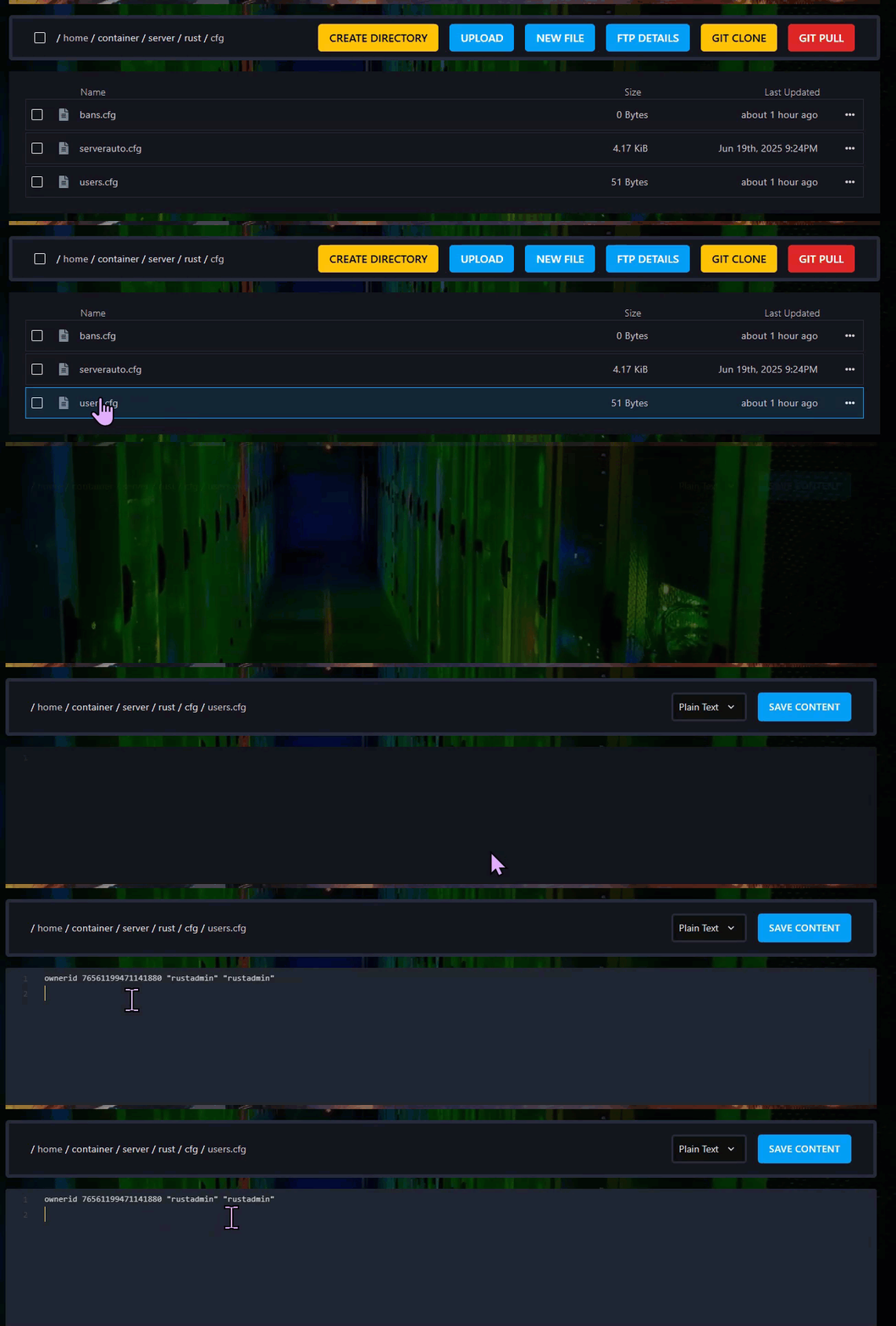
> Add one of the following lines, replacing the placeholders with the correct SteamID64 and any optional name or reason:
- ownerid SteamID64 "optional_user_name" "optional_reason"
or - moderatorid SteamID64 "optional_user_name" "optional_reason"
Learn how to find your SteamID64 HERE.
Step 4) Click Save Content.

Step 5) Go back to the Console and start the server again.

