How change the gathering rate on your Rust server
Adjusting the gather rate on a Rust Server dramatically changes how players interact with the game. A higher gather rate allows for quicker resource collection, letting players build, craft, and expand at a rapid pace. Conversely, lowering the gather rate adds difficulty, encouraging players to plan more carefully and manage resources strategically for survival and progression.
Step 1) Download the Gather Manager mod from the official uMod website HERE.

Step 2) Go to your console > click on your server and stop it using the "STOP" button.

Step 3) Once your server is stopped, go to "FILE MANAGER".
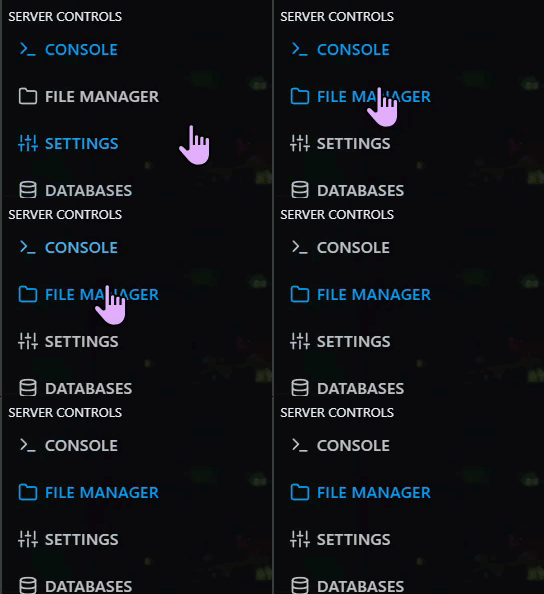
> Then navigate to home > container > oxide > plugins

Step 4) Click Upload

> select the Gather Manager file you downloaded in Step 1
Step 5) Go back to the Console and start the server again.

Step 6) When in-game, press the F1 key to open the console, then enter the desired gather rate commands.
NOTE: You can find a full list of the available commands HERE.
