Resetting player data on your Rust server
Resetting player data on a Rust Server can be a helpful way to fix persistent bugs, improve server performance, or give the community a fresh start. This process wipes all player progress—including items, bases, and stats—forcing everyone to start from scratch. While it may seem drastic, a full reset can create a more balanced and exciting experience for everyone on the server.
Step 1) Go to your console > click on your server and stop it using the "STOP" button.

Step 2) Once your server is stopped, go to "FILE MANAGER".
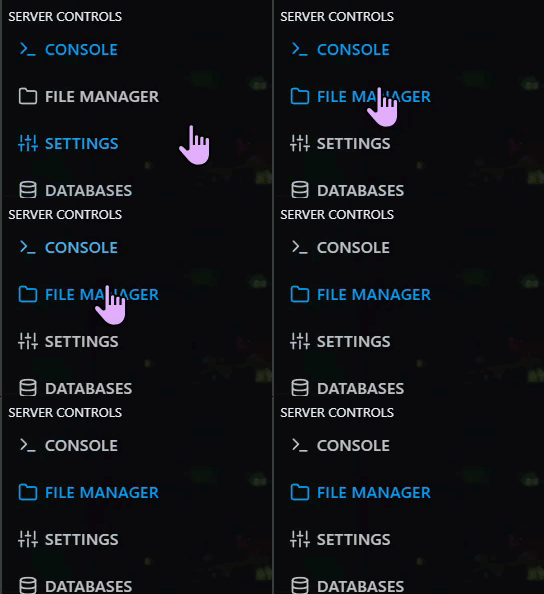
> Then navigate to > home > container > server > rust

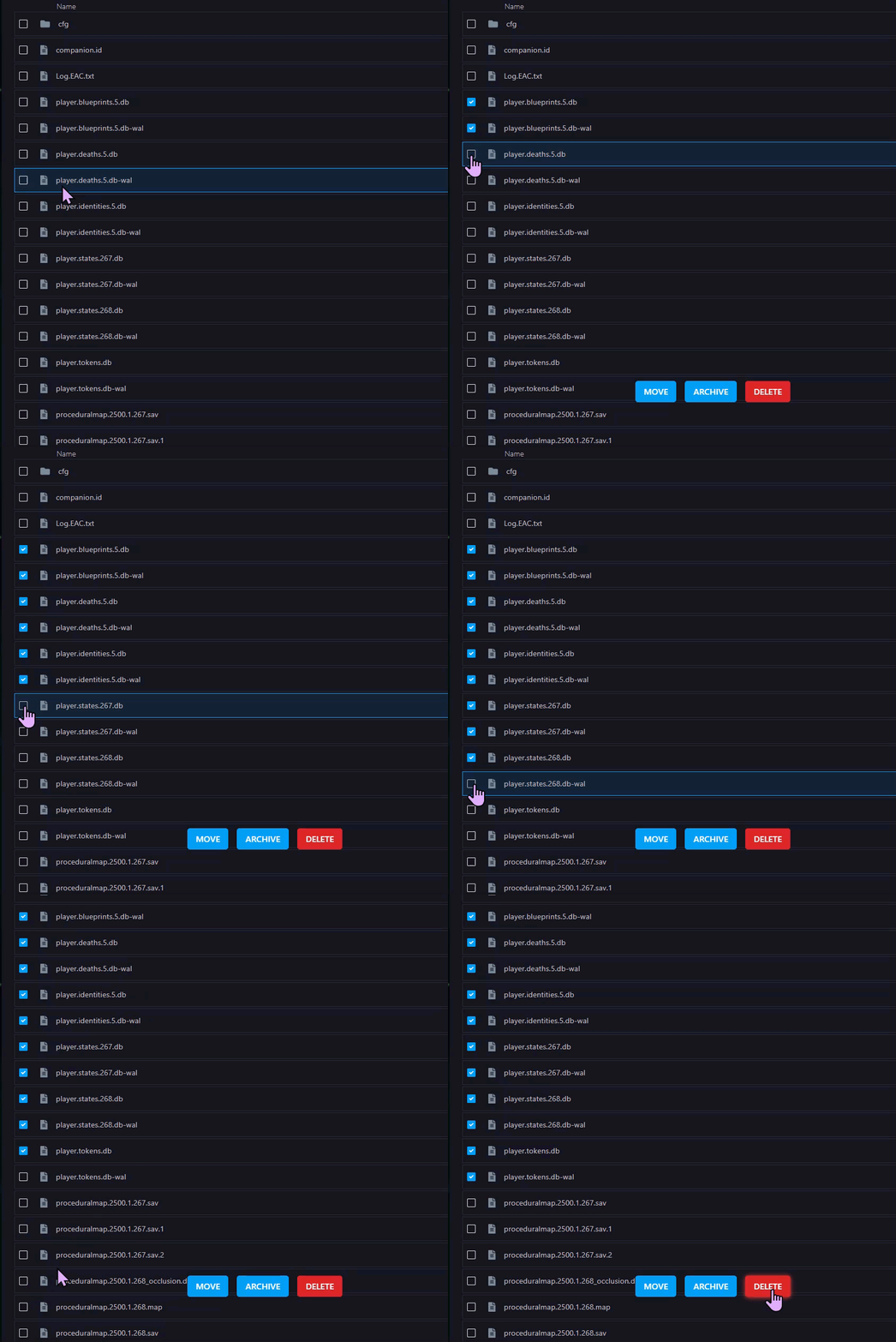
Step 3) Delete the player.db files to remove Player Data
Step 4) Go back to the console and start the server again.

