How to wipe the data on your Rust server
In Rust the maps are vast, and over time players can build extensive structures and bases. However, new players might feel at a disadvantage when joining a server that's already far along. Wiping the map gives everyone a fresh start and is a common practice. You can also choose whether to delete just the map, just the player data, or both.
Step 1) Go to your console > click on your server and stop it using the "STOP" button.

Step 2) Once your server is stopped, go to "FILE MANAGER".
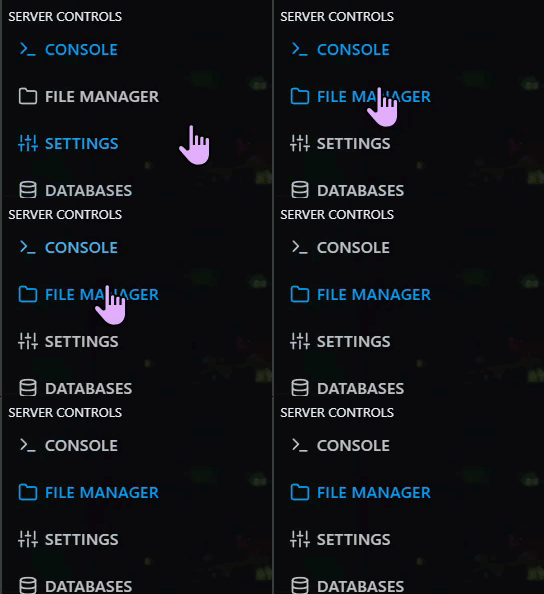
> Then navigate to > home > container > server > rust

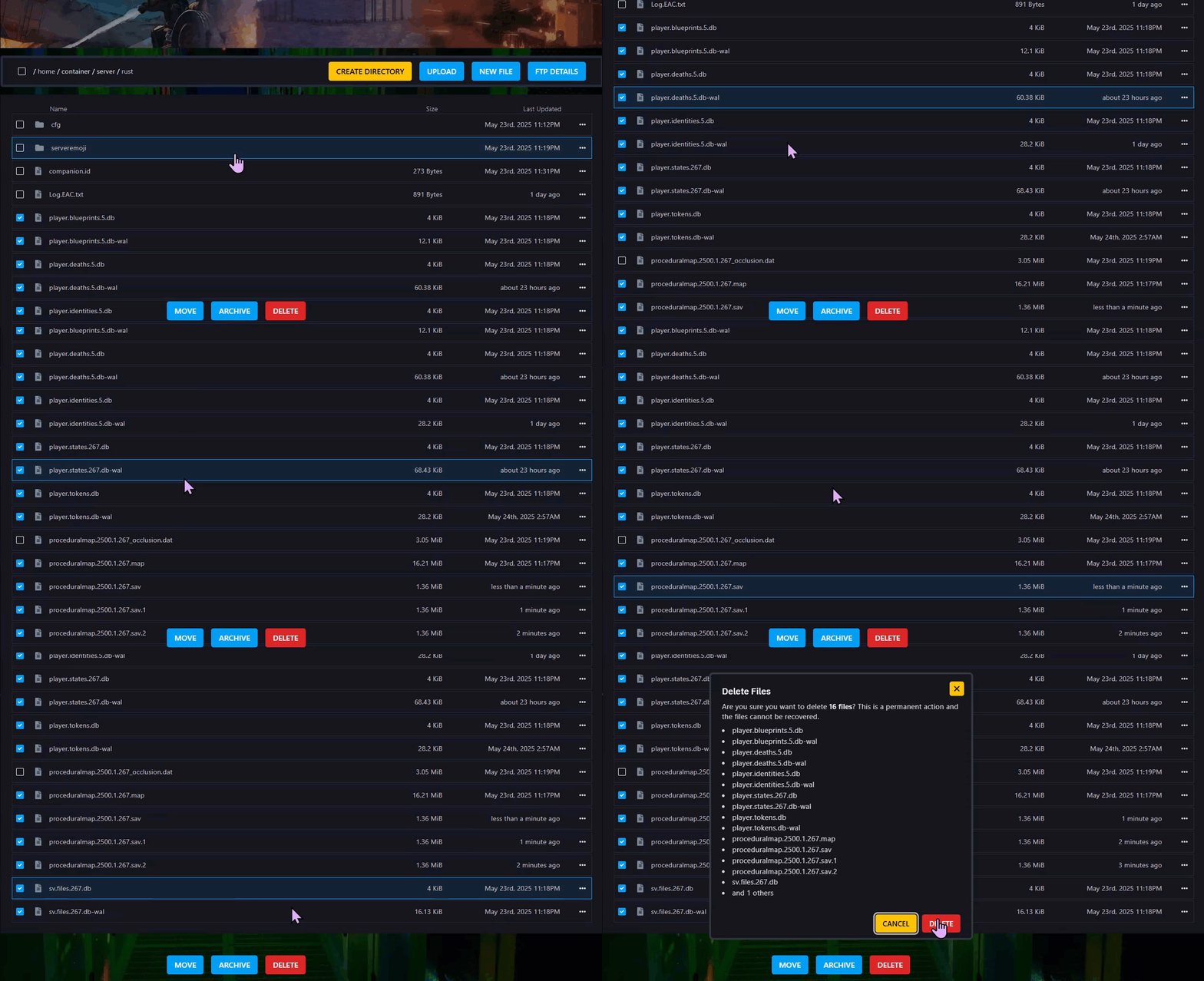
Step 3) Delete the .db files to remove Player Data, and the .map or .sav files to reset the Map. Delete all to do a complete Wipe.
Step 4) Go back to the console and start the server again.

