How to change the server description on a rust server
In Rust, the server description gives potential players a quick snapshot of what your server offers. This usually includes key details like rules, mods, player count, wipe schedules, and any custom features. Writing a clear and compelling description is important for drawing in players and setting the tone for your server’s community and gameplay style.
Sometimes the server description may randomly change to a string of numbers. This is a known bug and can usually be fixed by restarting the server.
Step 1) Go to your console > click on your server and stop it using the "STOP" button.

Step 2) Once your server is stopped, go to "SETTINGS".
> There you’ll find a field called "DESCRIPTION" located on the top right of the page.
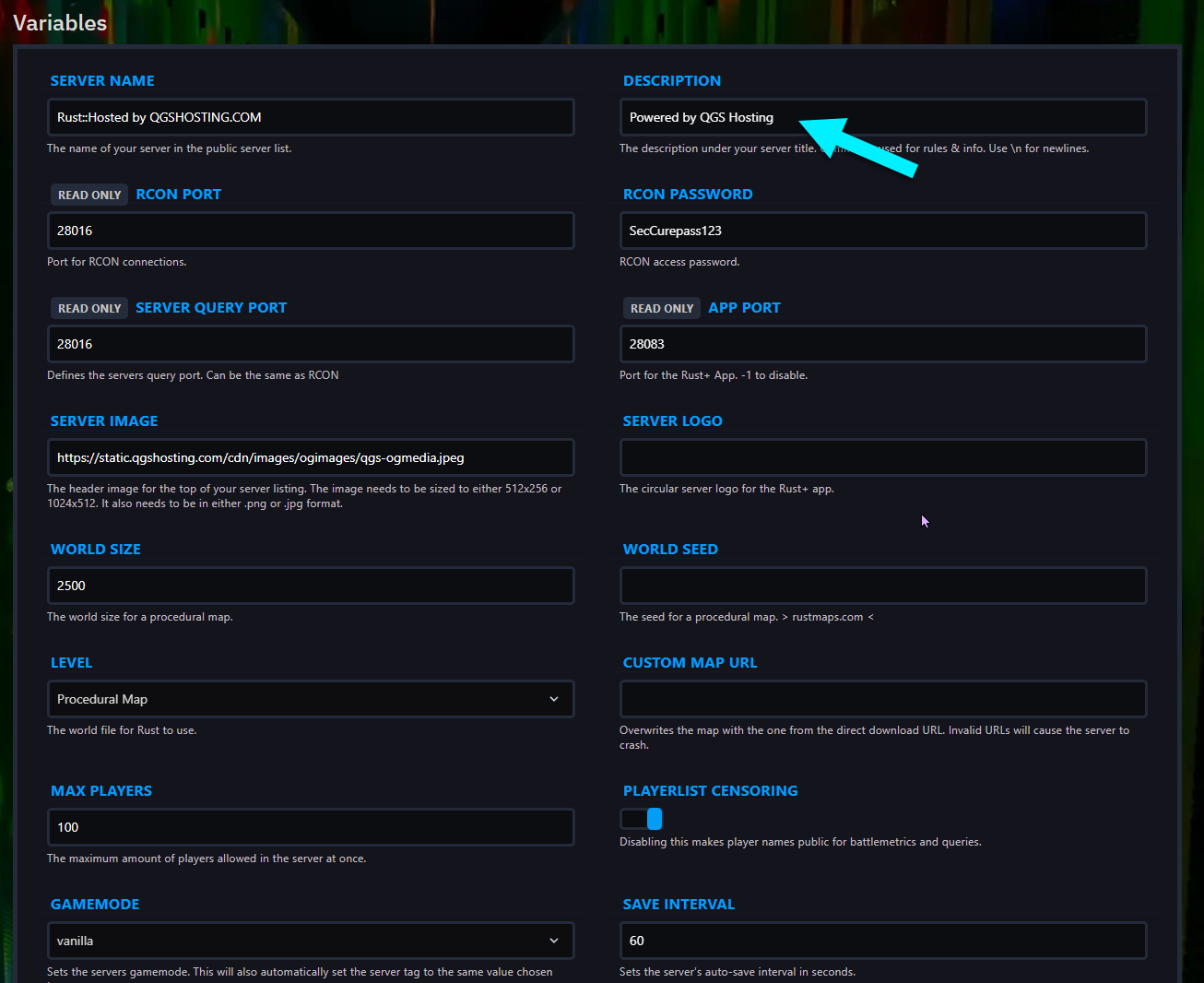
Step 3) Change to your desired description.

Step 4) Go back to the console and start the server again.

