How to install plugins/mods on your Rust server
Installing plugins or mods on a Rust Server enhances the game by introducing new features, customization capabilities, and unique modifications. These additions can enrich gameplay by offering new mechanics and challenges, while also providing powerful tools for server administrators. From managing players and filtering chat to automating tasks, plugins make server management smoother and more efficient.
Step 1) Download your chosen mod from the official uMod website.

Step 2) Go to your console > click on your server and stop it using the "STOP" button.

Step 3) Once your server is stopped, go to "FILE MANAGER".
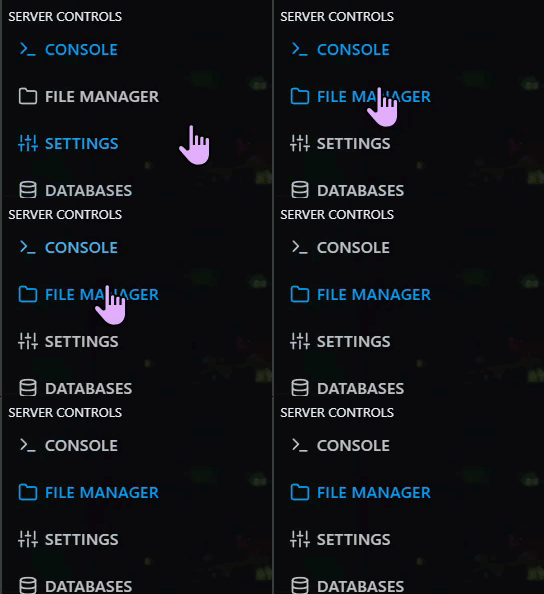
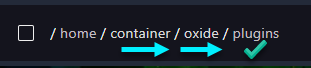
> Then navigate to home > container > oxide > plugins
Step 4) Click UPLOAD and select the files you downloaded in Step 1

Step 5) Go back to the console and start the server again.

