How change the item stack limit on your Rust server
Tweaking certain Rust Server settings can refresh gameplay and keep things interesting between wipes. While many options aren’t adjustable in the vanilla game, the popular modding framework Oxide (uMod) makes it possible to customize a wide range of settings using plugins. One such plugin is Stack Size Controller, which lets you change the item stack limits on your server to better match your community’s needs and playstyle.
Step 1) Download the Stack Size Controller mod from the official uMod website HERE.

Step 2) Go to your Console > click on your server and stop it using the "STOP" button.

Step 3) Once your server is stopped, go to "FILE MANAGER".
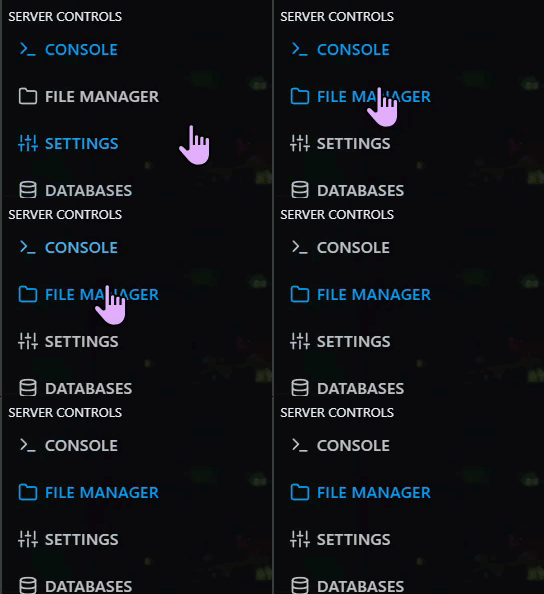
> Then navigate to home > container > oxide > plugins

Step 4) Click Upload

> select the StackSizeController.cs file you downloaded in Step 1
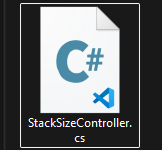
Step 5) Go back to the console and start the server again.

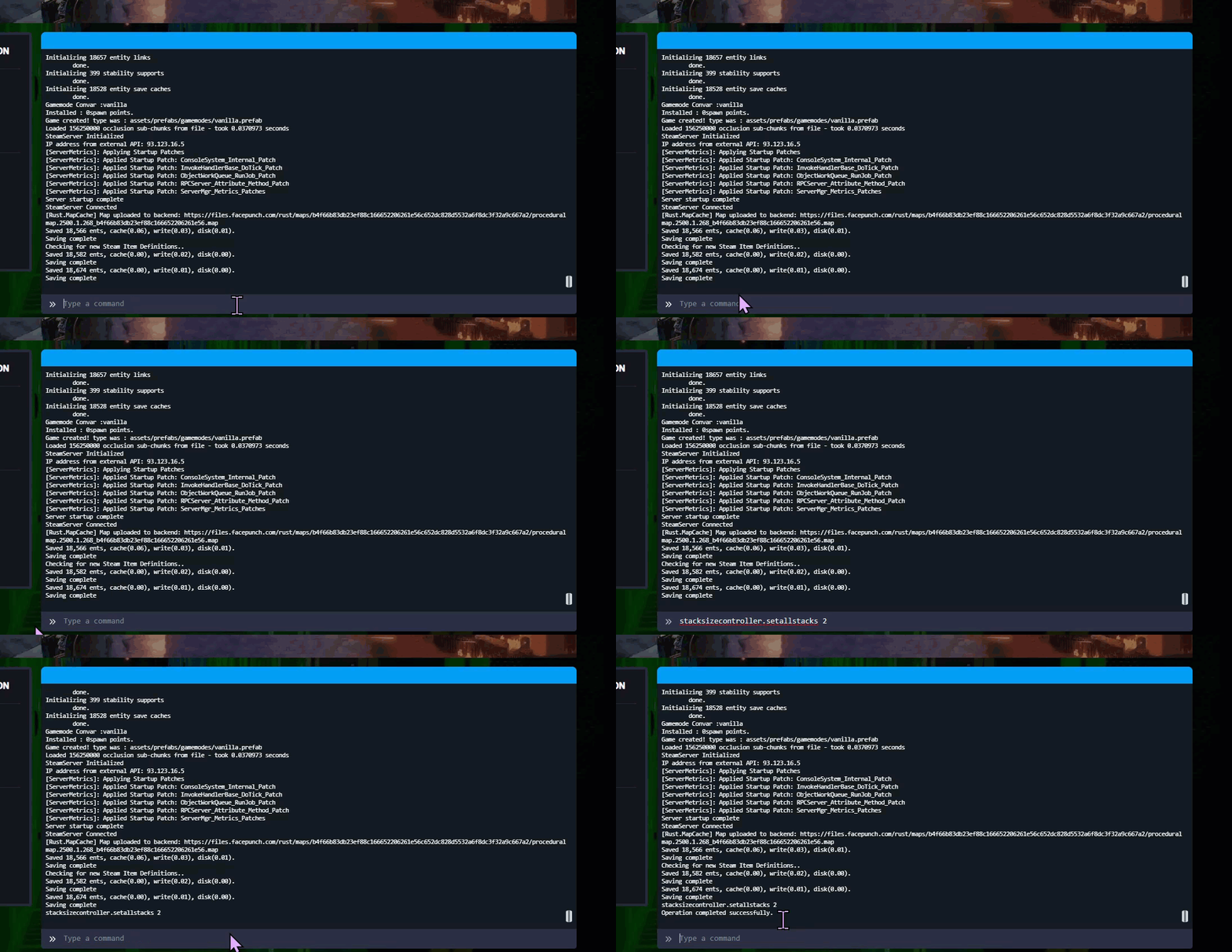
Step 6) While still on the console page. Write on the command line one of the commands. Ex: "stacksizecontroller.setallstacks 2" and hit ENTER ( This command would multiply the vanilla stack size by 2, resulting in max stacks of 200.)
This command doubles the default stack size. For example, an item with a normal stack size of 100 would become 200.
Available commands
| Command | Description | Example |
|---|---|---|
stacksizecontroller.setallstacks [multiplier] | Sets a multiplier for all item categories. | stacksizecontroller.setallstacks 2 |
stacksizecontroller.listcategories | Lists all available categories. | stacksizecontroller.listcategories |
stacksizecontroller.setstackcat [category] [multiplier] | Sets a multiplier for one specific category only. | stacksizecontroller.setstackcat Construction 2 |
stacksizecontroller.listcategoryitems [category] | Lists all items in a specific category. | stacksizecontroller.listcategoryitems Construction |
stacksizecontroller.setstack <item> <value> | Sets a specific stack limit or multiplier for one item. | stacksizecontroller.setstack barricade.wood 5 |
You can find the full list of available commands here.
