How to add a password to your Rust server
Adding a password to your Rust Server lets you control exactly who can join. This keeps out random players who could ruin the fun, and helps build a safe community of trusted members. With a password, server management becomes way easier and more secure.
Step 1) Download the Authentication mod from the official uMod website HERE.

Step 2) Go to your console > click on your server and stop it using the "STOP" button.

Step 3) Once your server is stopped, go to "FILE MANAGER".
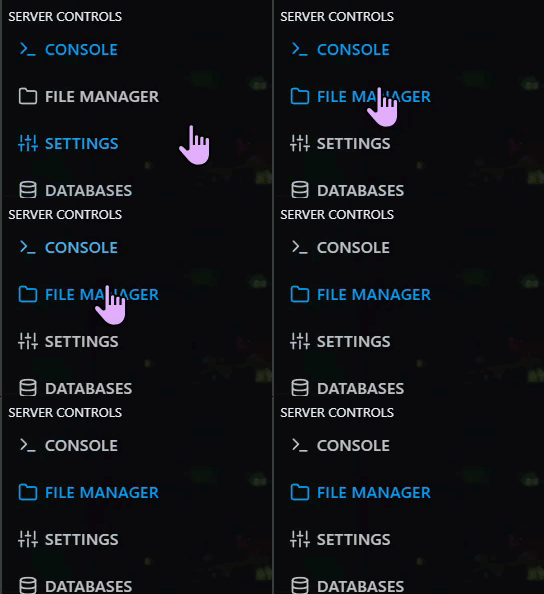
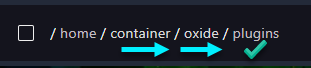
> Then navigate to home > container > oxide > plugins
Step 4) Click Upload

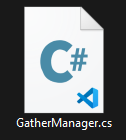
> select the Authentication file you downloaded in Step 1
Step 5) Go back to the console and start the server again.

How to Configure your Password**
Step 1) Go to your console > click on your server and stop it using the "STOP" button.
Step 2) Once your server is stopped, go to "FILE MANAGER".
Step 3) Navigate to: /home/container/oxide/config

> then open Authenticator.json & set a password that’s easy for you to share with friends, but not easy for strangers to guess.
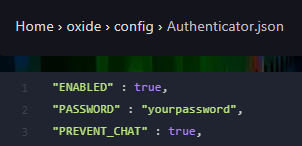
> Click on SAVE CONTENT once you've added your password.

Step 4) Go back to the Console and start the server again.
