How to add a header image on a rust Server
Updating your Rust server's header image is a simple way to give it a fresh, unique look that helps it stand out. A custom banner not only catches players' attention in the server list and search results but also reinforces your server's theme and overall atmosphere. Whether you want to make your server feel more themed, or simply recognizable, setting a header image is a way to achieve that.
The server header image size must be 512x256 or 1024x512. It also needs to be in either .png or .jpg format.
Dropbox is used for this tutorial as it allows easy creation of direct image links (dl=1) and provides file hosting without extra setup.
Step 1) Upload your image to Dropbox.
> Your image will be visible in the bottom right corner of the screen under Uploads
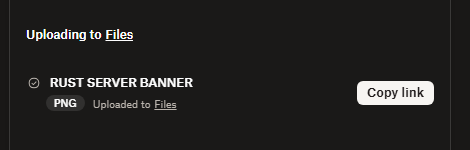
> Create and Copy the direct link to the uploaded image
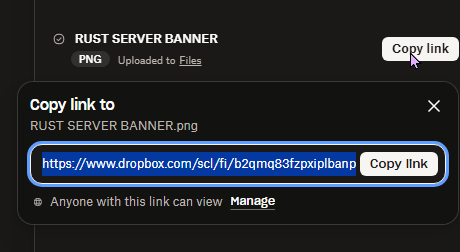
Step 2) Go to your Console > click on your server and stop it using the "STOP" button.

Step 3) Once your server is stopped, go to "SETTINGS".
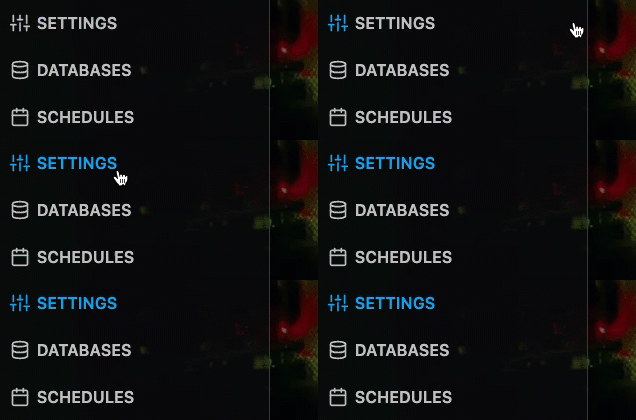
> Locate the SERVER IMAGE field on the left side of the section
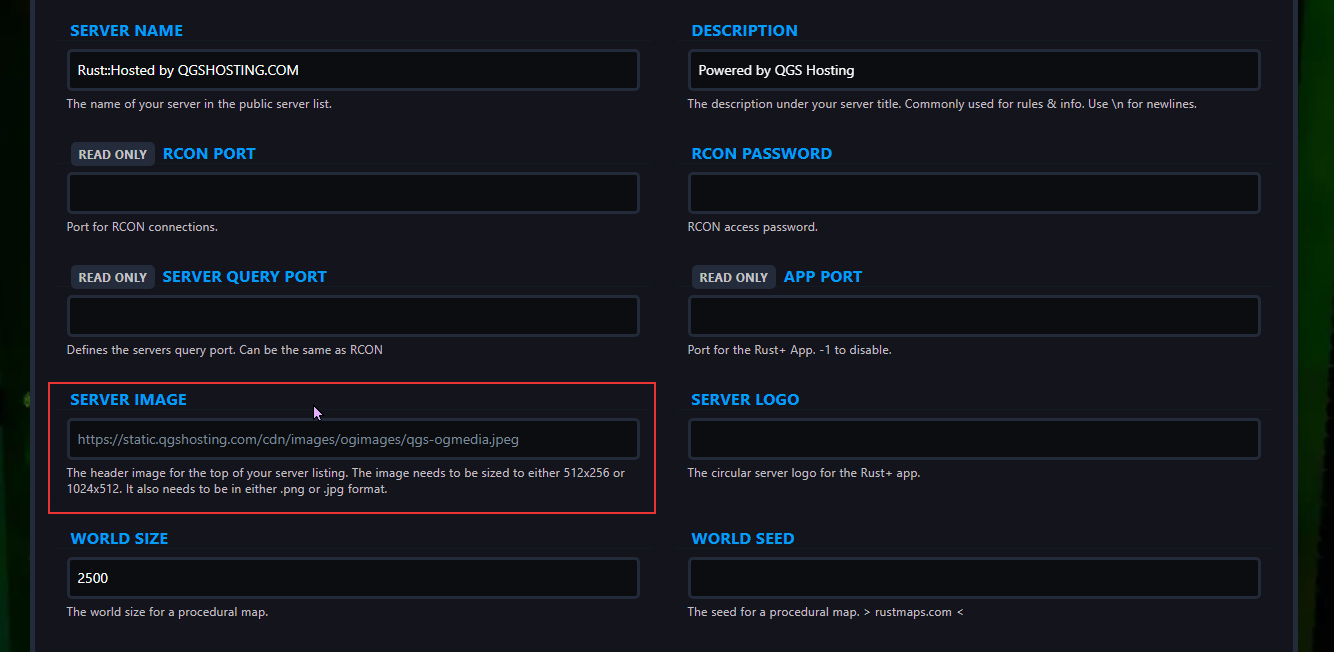
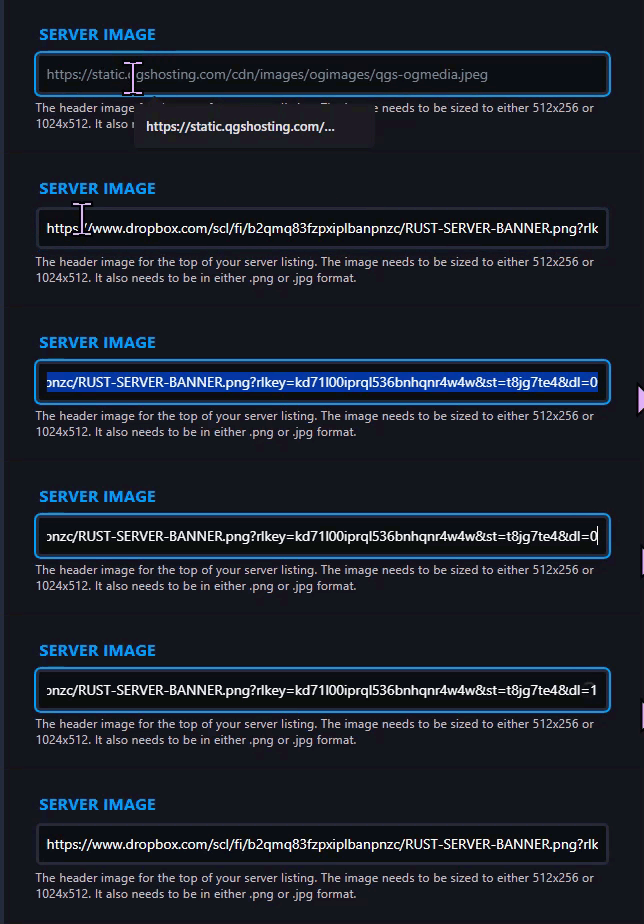
> Paste the Dropbox link you copied in Step 1 in the box and at the end of the link there is a 0, which has to be changed to 1 to give the image direct access.
Step 4) Go back to the Console and start the server again.

