How to change the gamemode on a Rust server
Rust servers support several different game modes. Each one changes the standard Rust experience in its own way, whether that means making the game more relaxed and beginner-friendly or much more challenging.
This gives server owners the flexibility to choose the type of gameplay they want for their community.
Changing the game mode will completely wipe all player progress and inventories.
Do not switch game modes in the middle of a wipe unless you are prepared for all data to be lost.
Step 1) Go to your console > click on your server and stop it using the "STOP" button.

Step 2) Once your server is stopped, go to "SETTINGS".

> Scroll down to the bottom of the page where you will locate the "ADDITIONAL ARGUMENTS" field on the bottom right side.
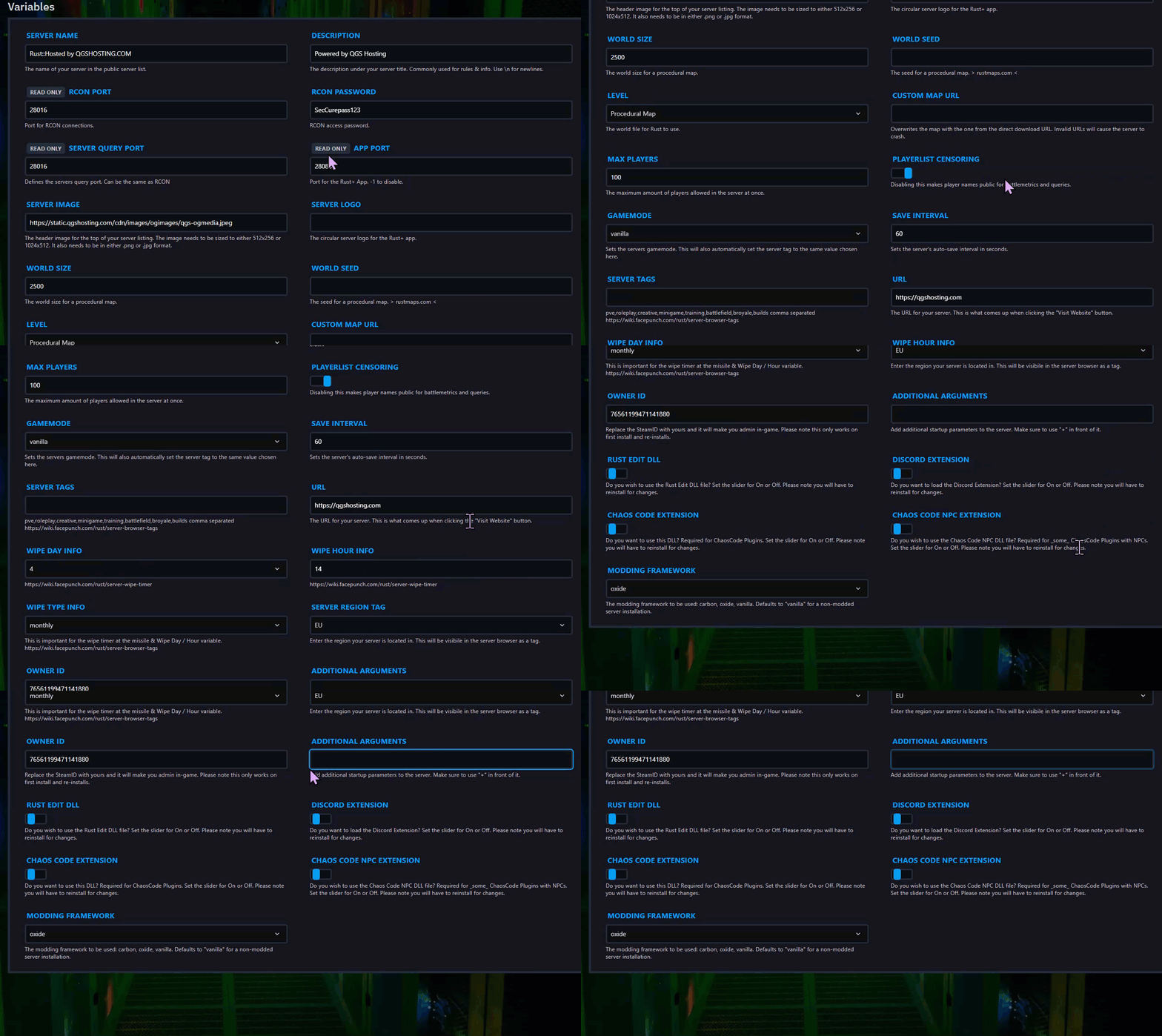
Step 3) In the Additional Arguments field, enter the parameters replacing <name> with your chosen gamemode: +server.gamemode <name>

| Gamemode | Description |
|---|---|
vanilla | The default Rust experience without any modifications. |
survival | Identical to vanilla, but uses a different label. The name must be left empty in quotes ("") to display properly. |
softcore | A lighter version of vanilla gameplay with easier mechanics, such as increased team size (up to 4) and faster respawns. |
hardcore | A more punishing version of vanilla with additional restrictions for players who want a greater challenge. |
A more punishing version of vanilla with numerous restrictions designed for experienced players seeking a real challenge.
Step 4) Go back to the Console and start the server again.

