How to reset (reinstall) a Rust server
Resetting a Rust server means wiping all player progress, structures, and modifications from the game world. This process is typically done to refresh the gameplay experience, fix potential imbalances, or apply new content and updates. While it can be discouraging for players who’ve invested significant time, a full reset restores fairness, encourages new strategies, and keeps the community active and engaged.
Before performing a reset, always create local backups to preserve any important files or configurations you might need later.
A full reset is best performed before major updates or when significant issues arise, such as corrupted saves or unstable performance. If you only want to refresh gameplay without removing all progress, consider scheduling partial wipes instead (player data-only or world-only wipes) - Tutorial HERE.
Step 1) Go to your Console > click on your server and stop it using the "STOP" button.

Step 2) Once your server is stopped, go to "SETTINGS".
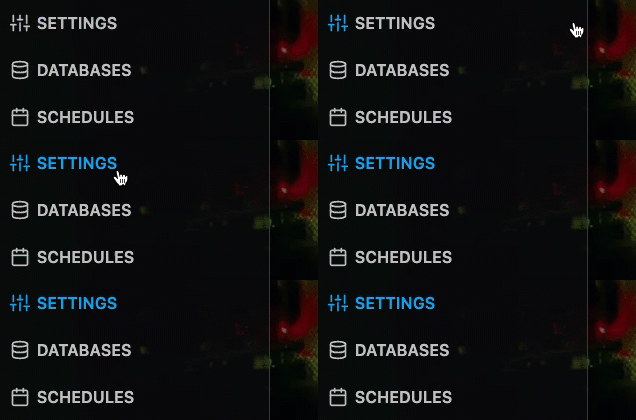
> Locate the REINSTALL SERVER button located on the top left of the page in the REINSTALL SERVER section of it's own above the Variables section. Select the REINSTALL SERVER button and confirm the process.
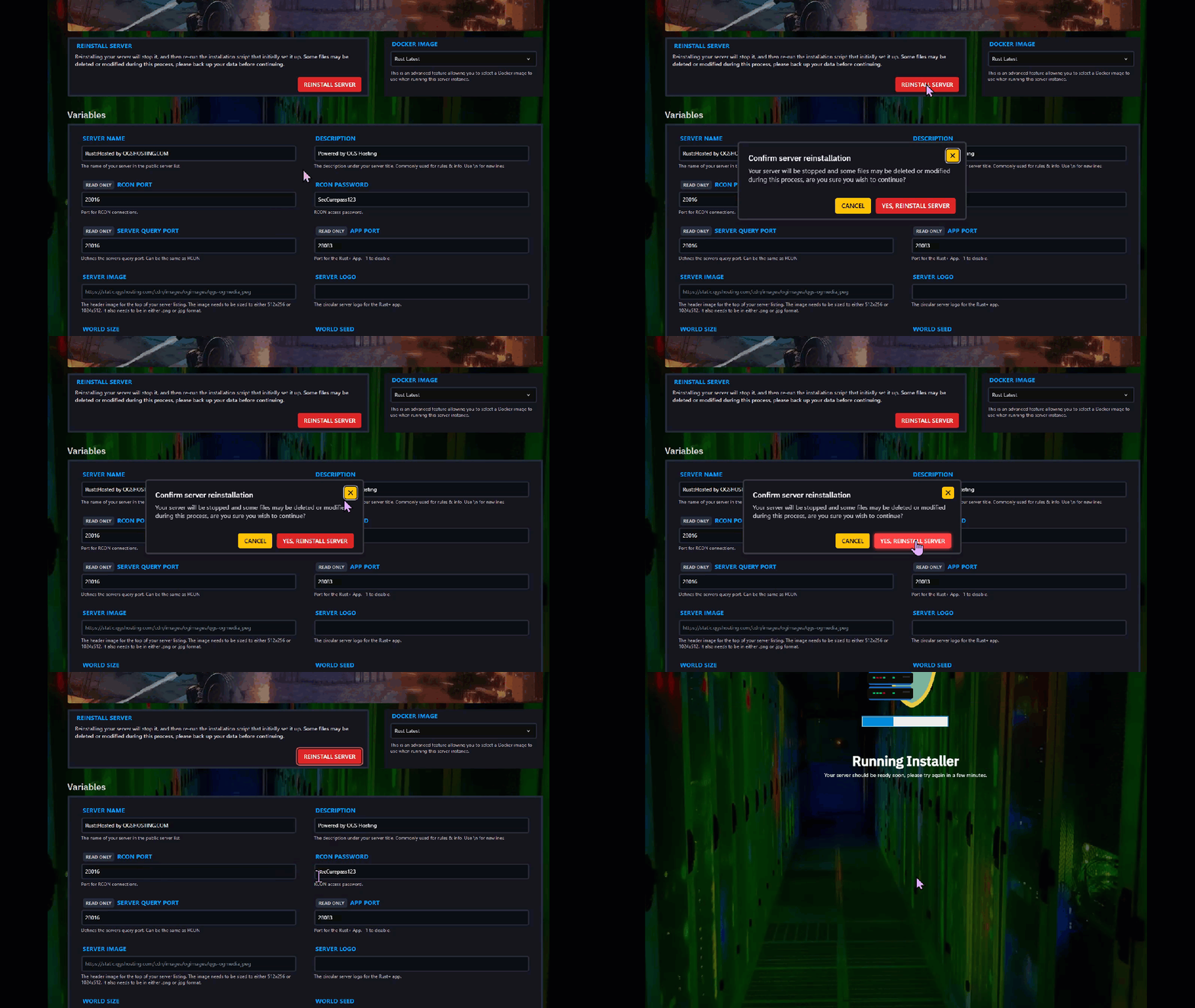
Step 3) Wait for the reinstallation process to finish.
Step 4) Go back to the console and start the server again.

