How to add a custom map to a Rust server
Adding a custom map to your Rust server lets you completely change the world your players experience. Custom maps can introduce new terrain, monuments, and points of interest that reshape gameplay and exploration. Whether you want to create small-scale PvP arenas or massive survival landscapes, uploading a custom map brings variety and familiarity to your community.
Before proceeding, ensure that you have your custom map's .map file ready
Dropbox is used for this tutorial as it allows easy creation of direct file links (dl=1) and provides file hosting without extra setup.
Step 1) Upload the .map file to Dropbox.
> Your file will be visible in the bottom right corner of the screen under Uploads
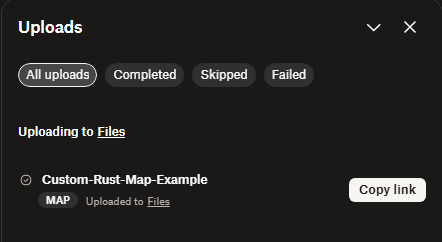
> Create and Copy the direct link to the uploaded map file
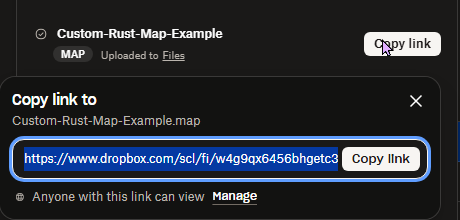
Step 2) Go to your Console > click on your server and stop it using the "STOP" button.

Step 3) Once your server is stopped, go to "SETTINGS".
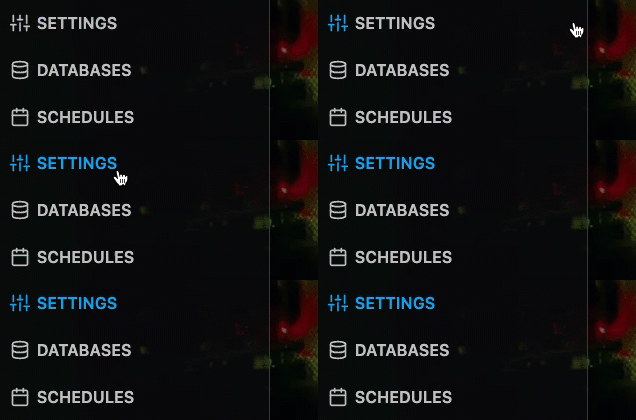
> Locate the CUSTOM MAP URL field on the bottom right side of the visible section
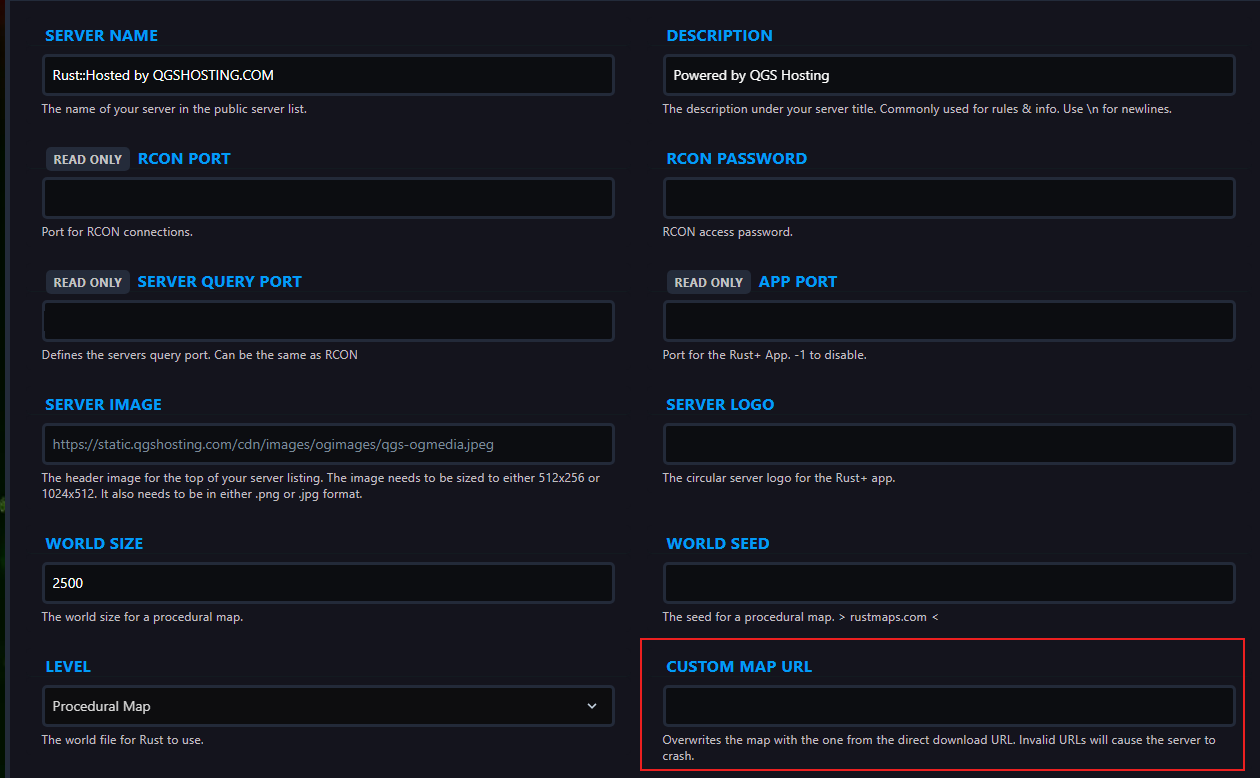
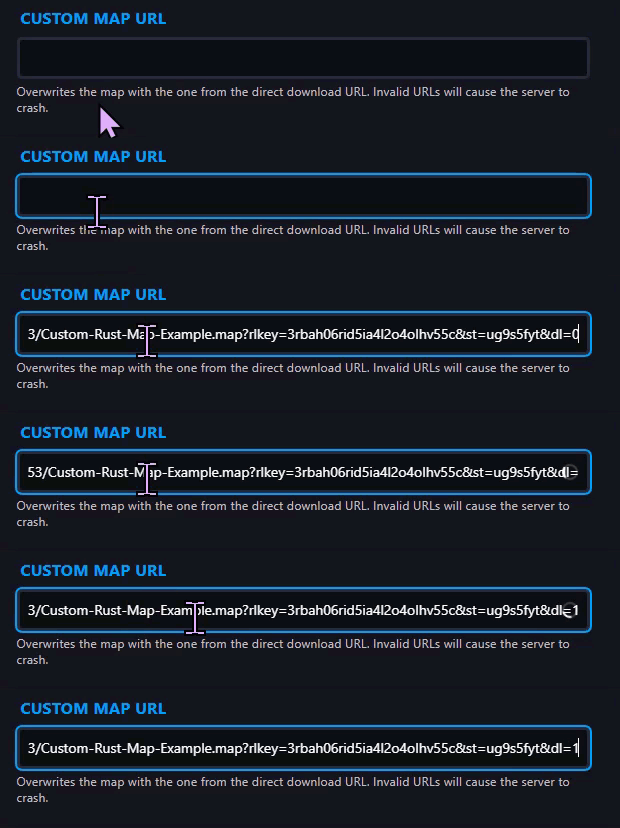
> Paste the Dropbox link you copied in Step 1 in the box and at the end of the link there is a 0, which has to be changed to 1 for direct access to the file.
Step 4) Go back to the Console and start the server again.

