How to set a password
Securing your Counter-Strike 2 server can be done in several ways, and adding a password is one of the simplest methods. This option allows you to share your server with a select group - such as friends or community members - while keeping outsiders out. Although it doesn’t offer the same strict access control as a whitelist, password protection is far easier to manage and minimizes the administrative workload for server owners.
To join a password-protected server, players must use the developer console.
HOW TO SET PASSWORD
Step 1) Go to your Console > click on your server and stop it using the "STOP" button.

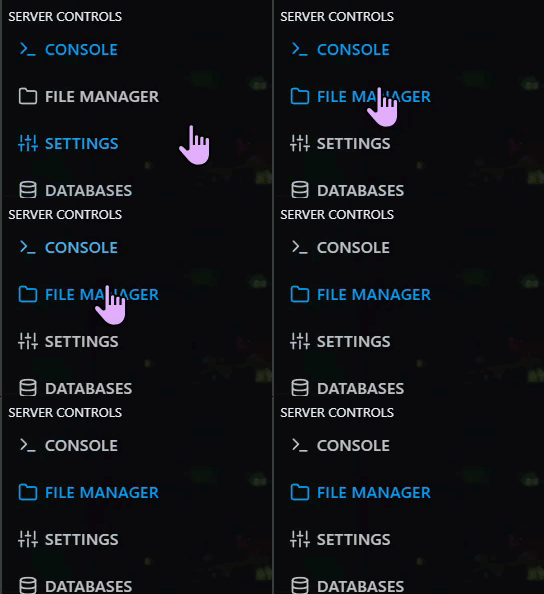
Step 2) Once your server is stopped, go to "FILE MANAGER".
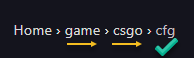
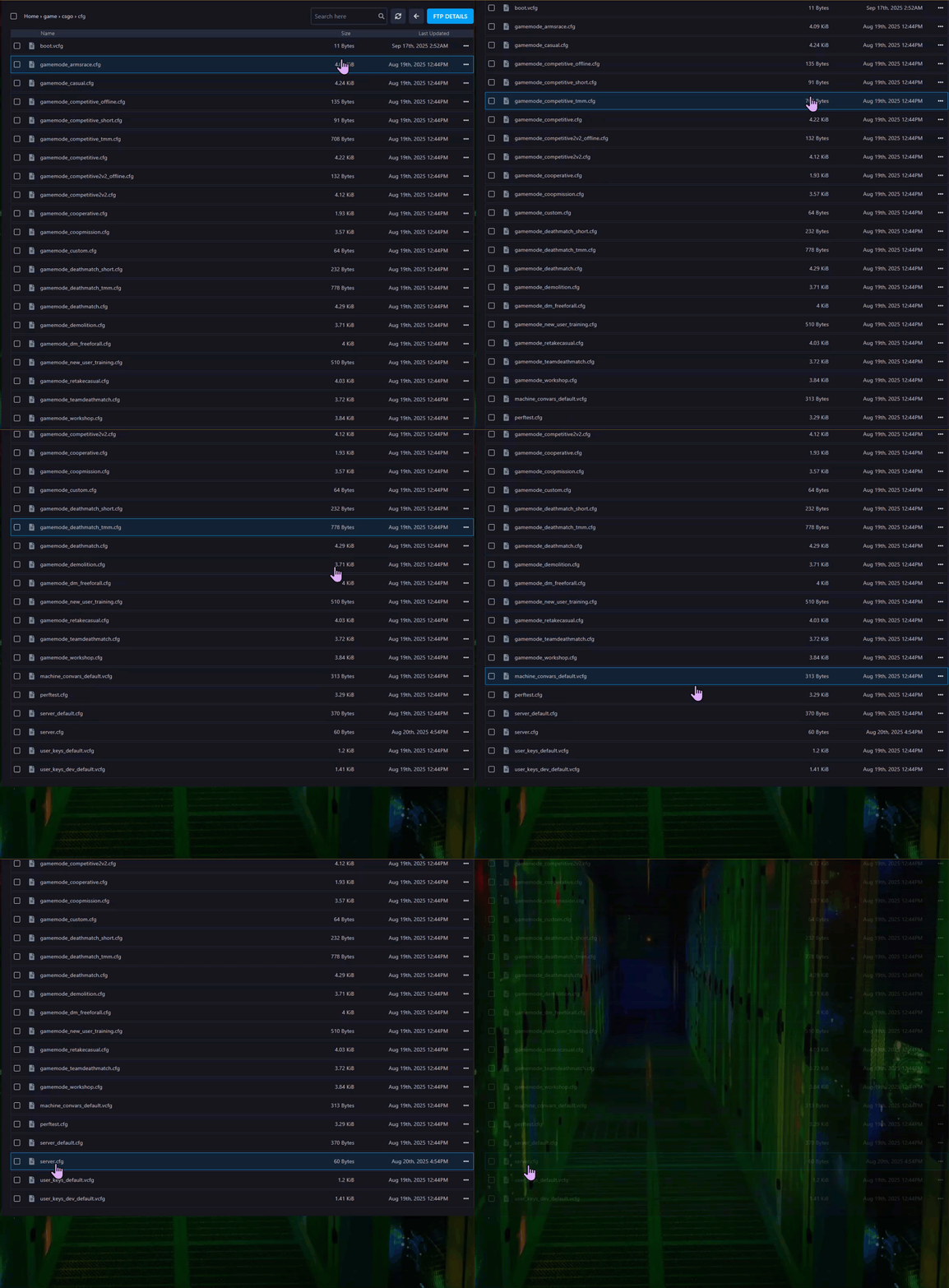
> Then navigate to Home > game > csgo > cfg and find a file named server.cfg after scrolling down.
> Open the server.cfg file.
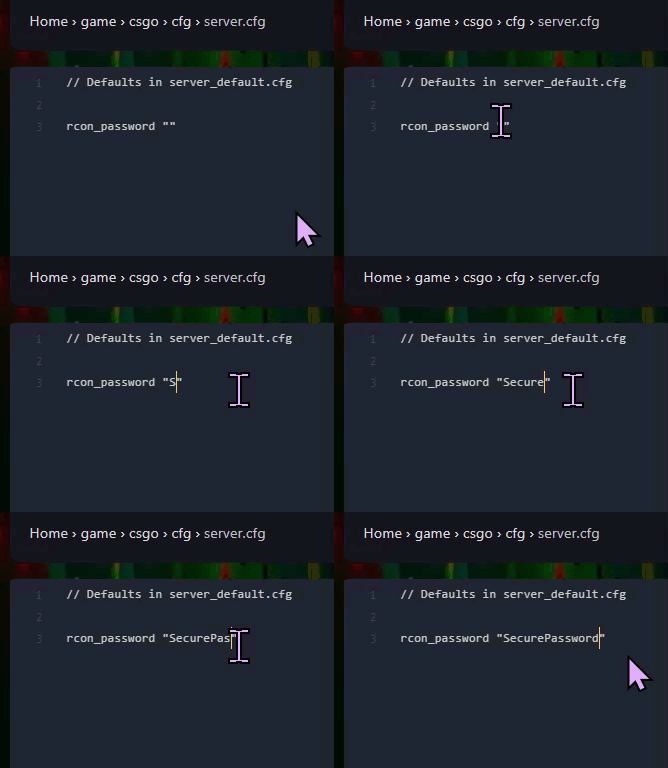
Step 3) On a new row in the file add the following line (Replace "your password" with your desired password.): sv_password "your password"
Step 4) When you are done editing, press the "SAVE CONTENT" button on the right, above the text editor.

Step 5) Go back to the [console](https://console.qgshosting.com/ and "START" the server again

Step 6) If the password fails to take effect, execute the following command in the console command line (The Server Must be ONLINE to use command line): "exec server"