How to change the server name on a Counter-Strike 2 server
A server name in Counter-Strike 2 is a customizable title that identifies your server to players. It helps your community recognize it quickly and often includes useful details such as region, rules, or gameplay style. Customizing your server name makes it stand out and lets players know what kind of experience to expect - competitive, casual, or themed.
The server name is visible in the in-game browser and on the scoreboard. A clear and memorable name can help attract more players to your server.
Step 1) Go to your console > click on your server and stop it using the "STOP" button.

Step 2) Once your server is stopped, go to "FILE MANAGER".
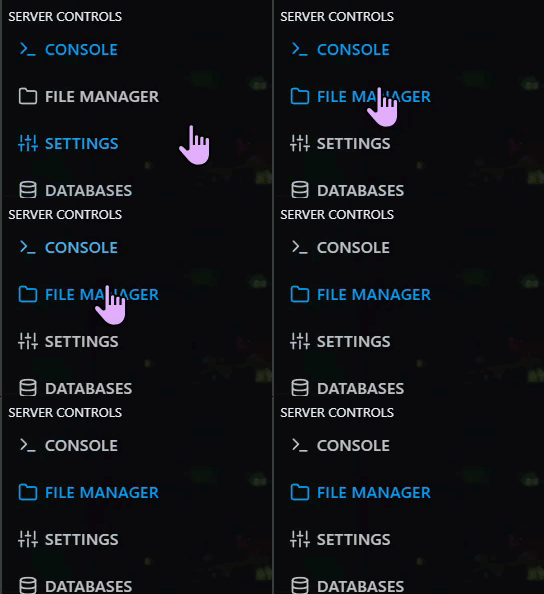
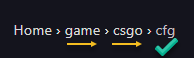
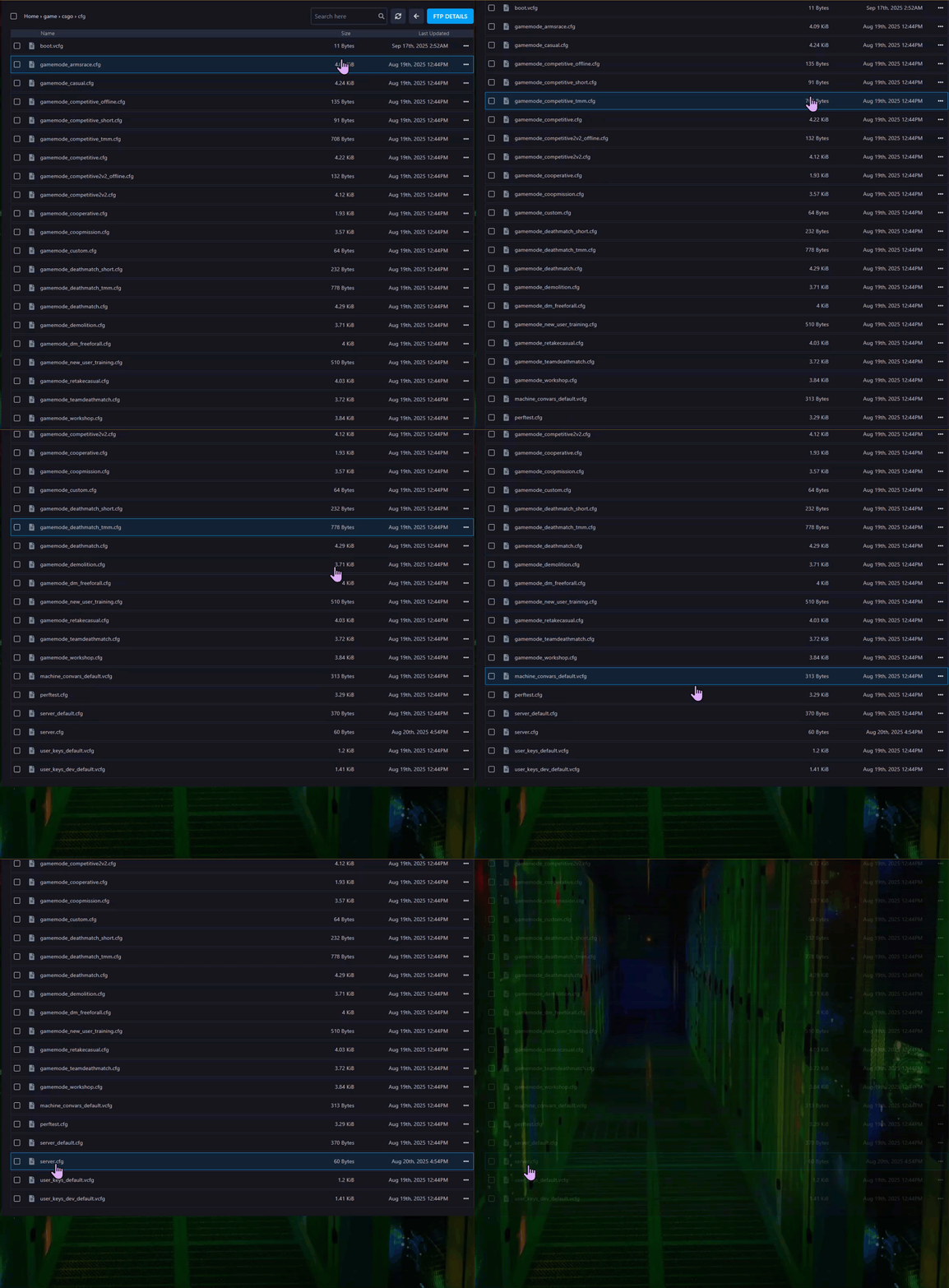
> Then navigate to Home > game > csgo > cfg and find a file named server.cfg after scrolling down.
> Open the server.cfg file.
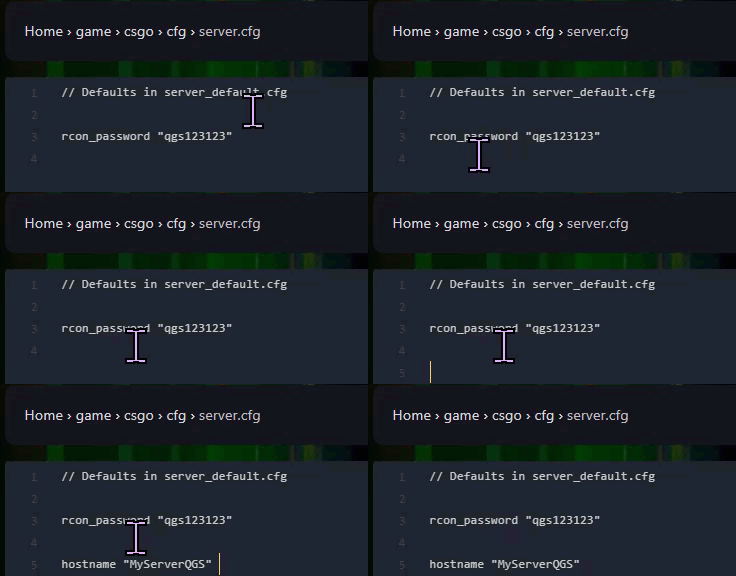
Step 3) On a new line in the file, enter the following commands (Replace "MyServerName" with your desired server name. You can include spaces, numbers, and special characters if needed ): hostname "MyServerName"
Step 4) When you are done editing, press the "SAVE CONTENT" button on the right, above the text editor.

Step 5) Go back to the console and "START" the server again

