How to Change the Game Mode
Counter-Strike 2 servers offer different game mode configurations depending on how you want your server to play. While these settings are usually applied at startup, they can also be changed later from your server panel.
If you change the game mode while the server is already running, some gameplay settings may not fully apply until the map changes or the server is restarted.
How to change server gamemode
Step 1) Go to your console and stop your server using the "STOP" button.

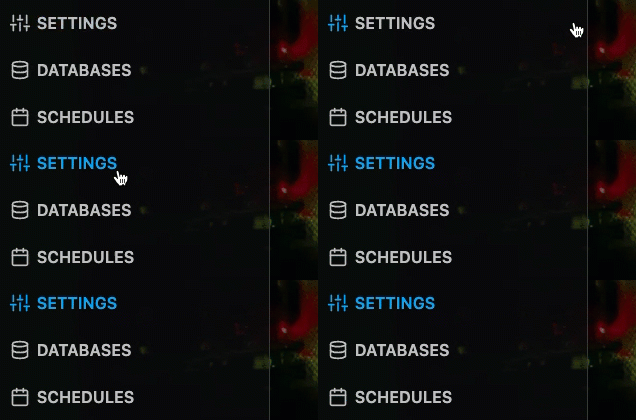
Step 2) Once your server is stopped, go to SETTINGS.
Then locate the GAME TYPE and GAME MODE dropdown fields in the Variables section.
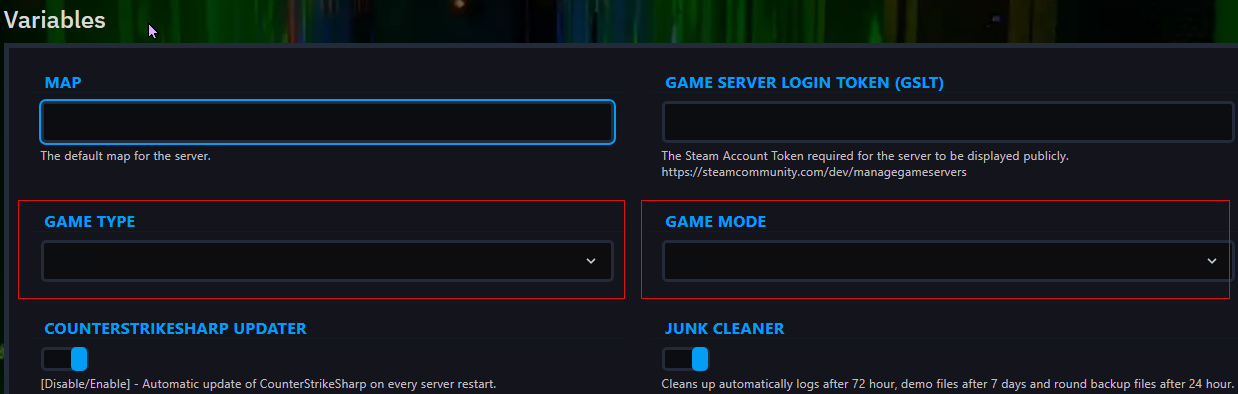
Choose the combination you want from the table below.
CS2 GameMode Combinations
| Preset | game_mode | game_type | Description |
|---|---|---|---|
| Casual | 0 | 0 | Standard non-ranked play with relaxed rules |
| Competitive | 1 | 0 | Ranked-style team play |
| Wingman | 2 | 0 | 2v2 competitive matches |
| Deathmatch | 2 | 1 | Fast respawn, warmup-style combat |
| Arms Race | 0 | 1 | Weapon progression mode |
| Custom | 0 | 3 | Community or custom server setup |
Set both values together. A game mode works correctly only when paired with the matching game type.
Step 3) Go back to the console and start the server again using the "START" button.

