How to add a server icon to your Minecraft server
From version 1.7.10 Minecraft server owners have the ability to set a custom server icon on their servers, like this one -
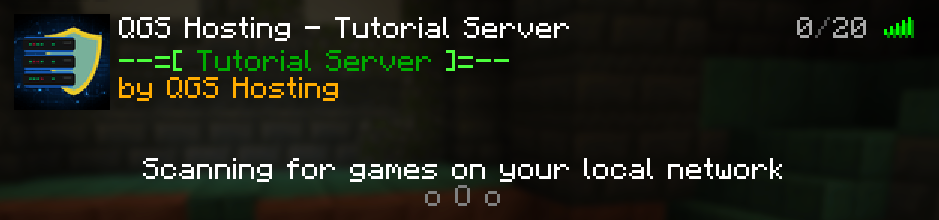
HOW TO ADD SERVER ICON?
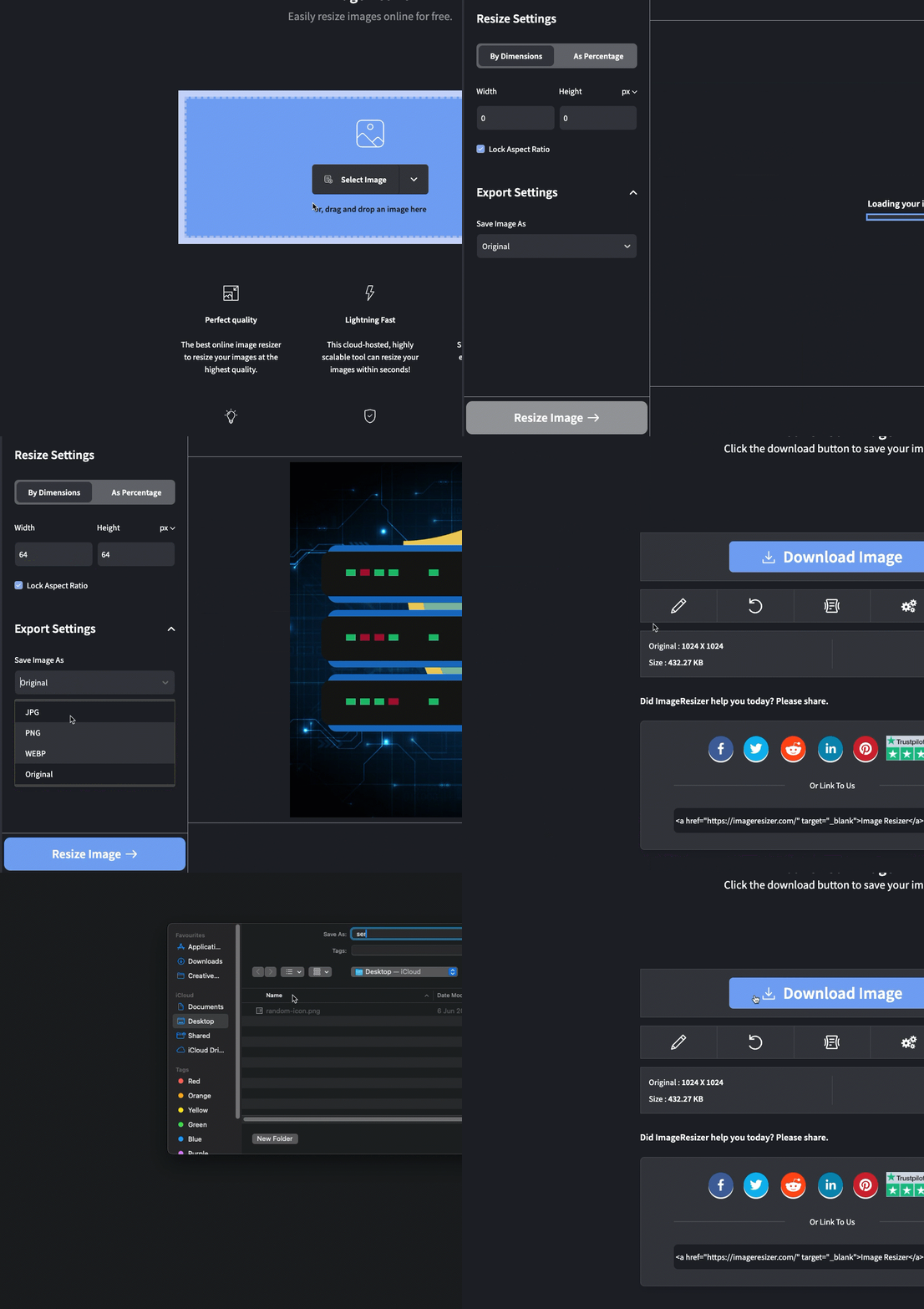
Step 1) Select a specific image, then go to the website ImageResizer (imageresizer.com) > change image size to 64х64 and file type PNG > download the image by renaming it to server-icon.
Step 2) Go to the console > click on your server > Navigate to "FILE MANAGER" and upload the icon on your server. In case the icon is not renamed, rename it to server-icon.png
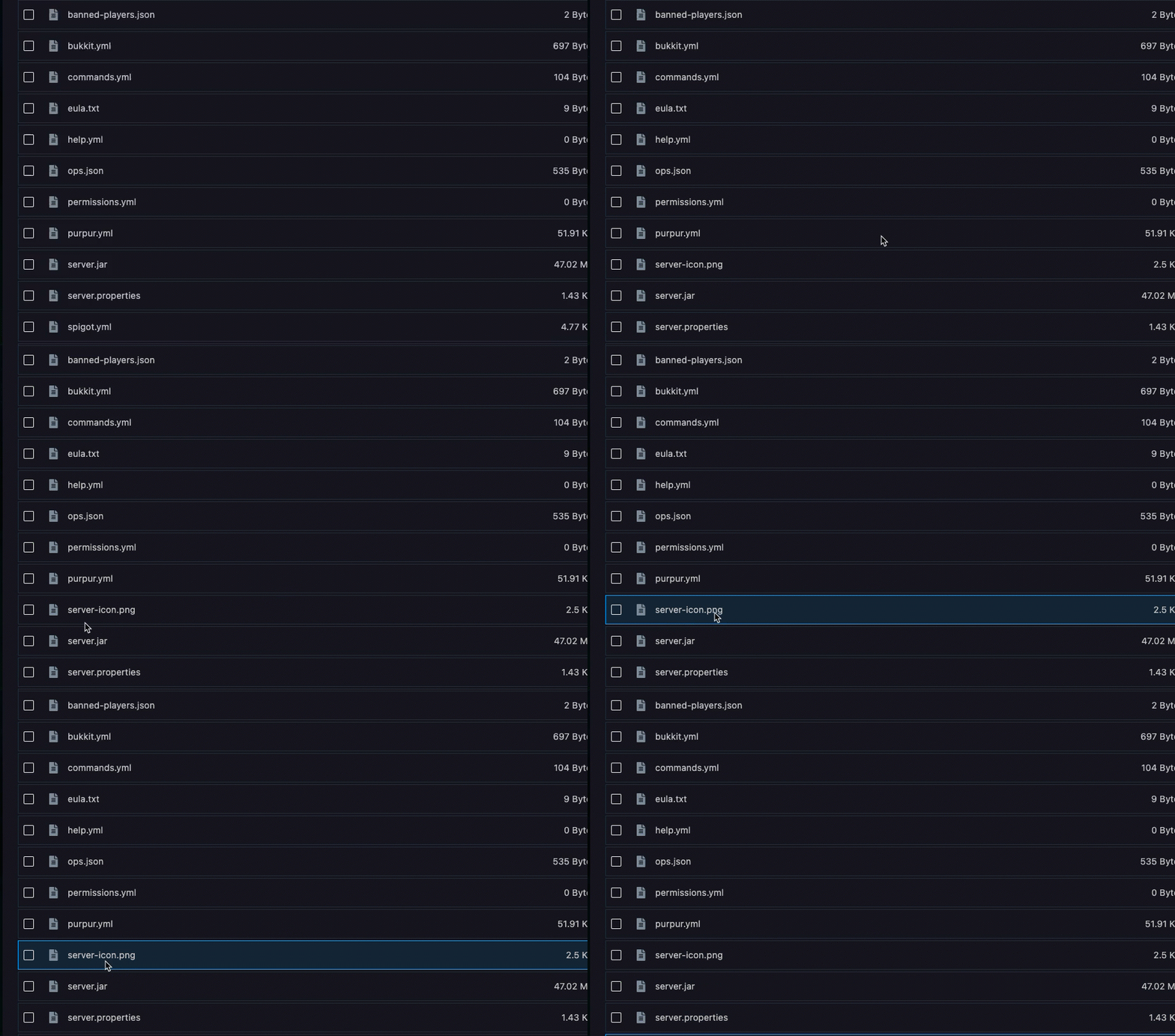
Step 3) After you have uploaded the icon and renamed it to server-icon.png and restart your server.