How to create motd on your Minecraft server
In this tutorial, we'll discuss how to change your MOTD (Welcome Message) on the server and we'll also look at how to use color codes in Minecraft.
NOTE
We recommend making changes to the settings while the server is stopped, and restarting it after you save your changes!
HOW TO CREATE MOTD?
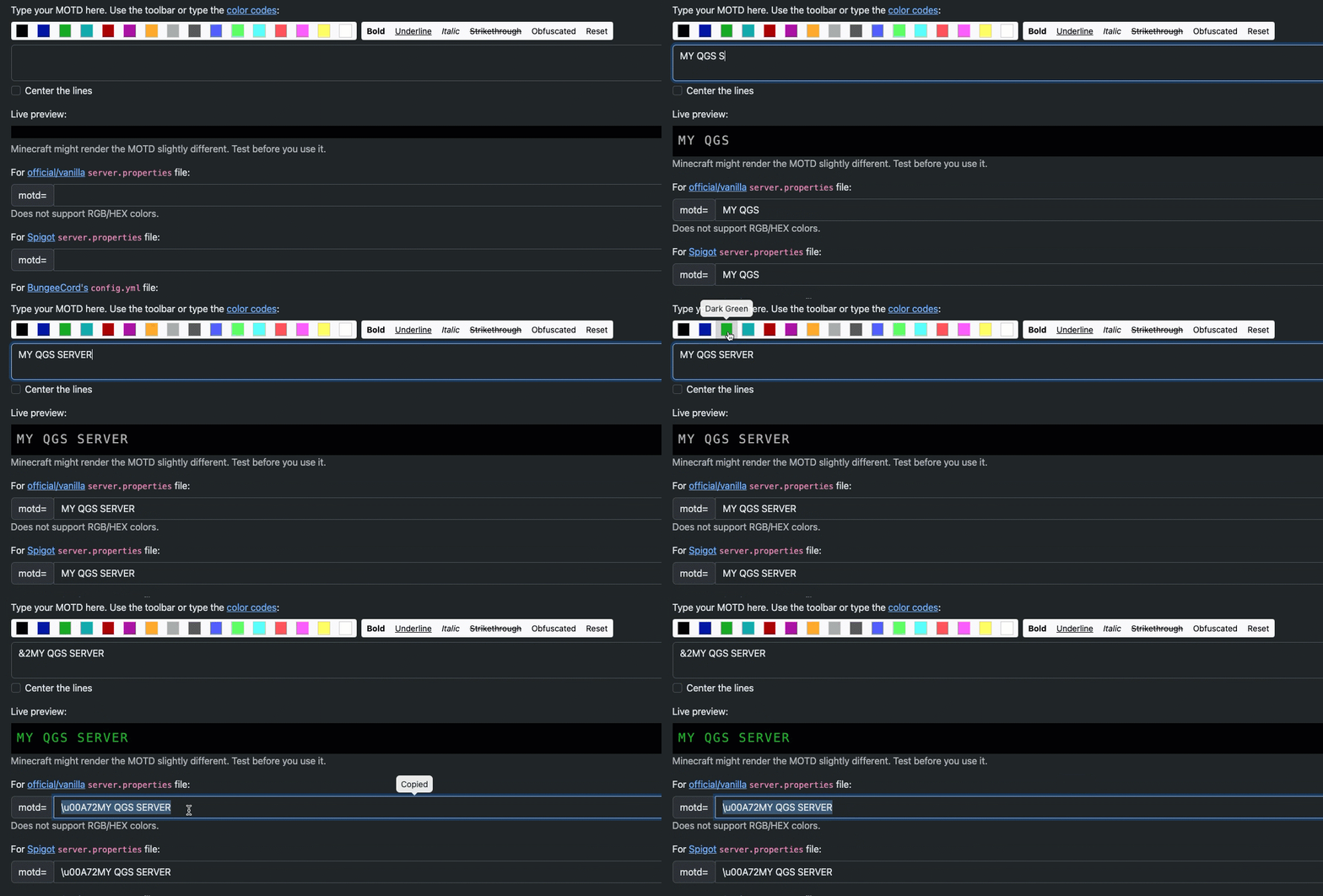
Step 1) Go to the MCTOOLS (https://mctools.org/motd-creator) > enter the server name you want > select specific colors > scroll down and copy the specific parameter for your platform.
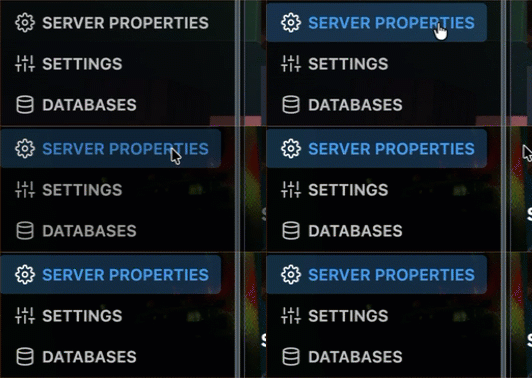
Step 2) Go to the console > click on your server > navigate to "SERVER PROPERTIES"
Step 3) Paste the copied parameter into the MOTD field.
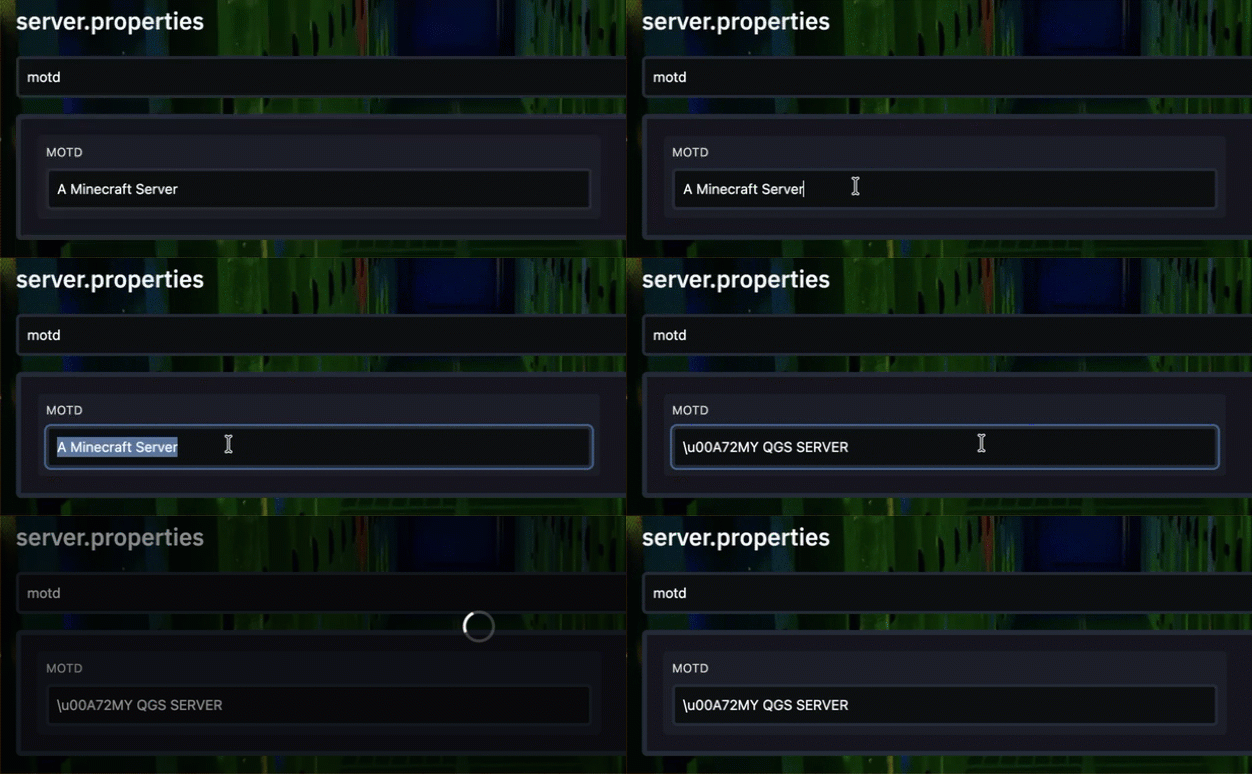
Step 3) After you set the parameter, start your server.

