How to generate and add Game Server Login Token (GSLT)
Counter-Strike 2 allows server owners to link their servers with Game Server Login Tokens - GSLT (authentication keys provided by Steam). These tokens identify the server owner, help maintain compliance with Steam’s terms of service, and prevent misuse through unauthorized or bot accounts. The key can be regenerated anytime via Steam’s management page, provided the Steam account is not banned.
If your GSLT becomes invalid or expires, simply revisit the Steam Game Server Account page to generate a new one and replace it in your server’s settings.
HOW TO GENERATE GSLT ON YOUR SERVER
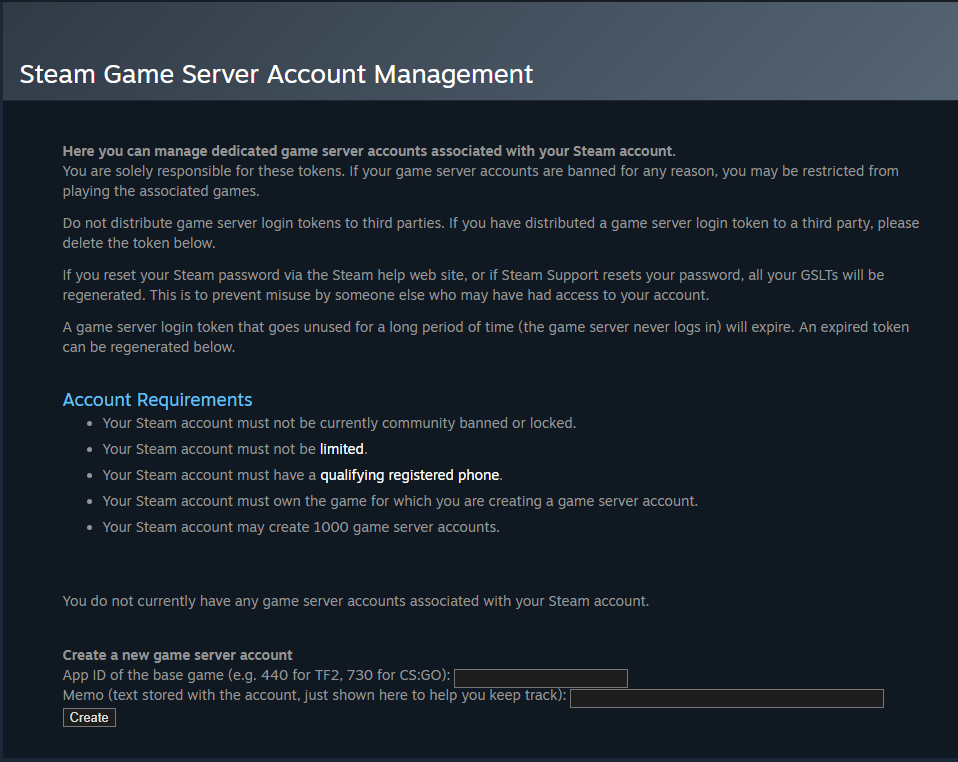
Step 1) Visit the official Steam Community website and go to the Game Server Account Management page.
| Game | App ID |
|---|---|
| Counter-Strike 2 | 730 |
| Unturned | 304930 |
| Counter-Strike: Global Offensive | 4465480 |
| Counter-Strike: Source | 232330 |
Step 2) Scroll to the bottom and in the App ID field, enter App ID for the server you want, in this case we will generate token for Counter-Strike 2 as your game, then click Create.

HOW TO SETUP GSLT ON YOUR SERVER
Step 1) Copy the generated Login Token (this is your Game Server Key - GSLT)

Step 2) Go to your console > click on your server and stop it using the "STOP" button.

Step 3) Once your server is stopped, go to "SETTINGS".
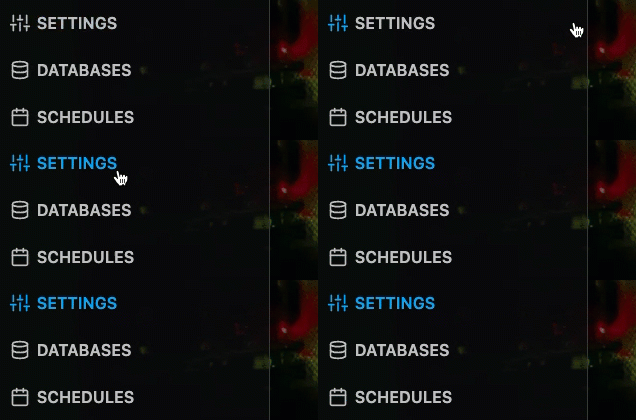
> In the Variables section, find the field labeled GSLT / Game Server Key.
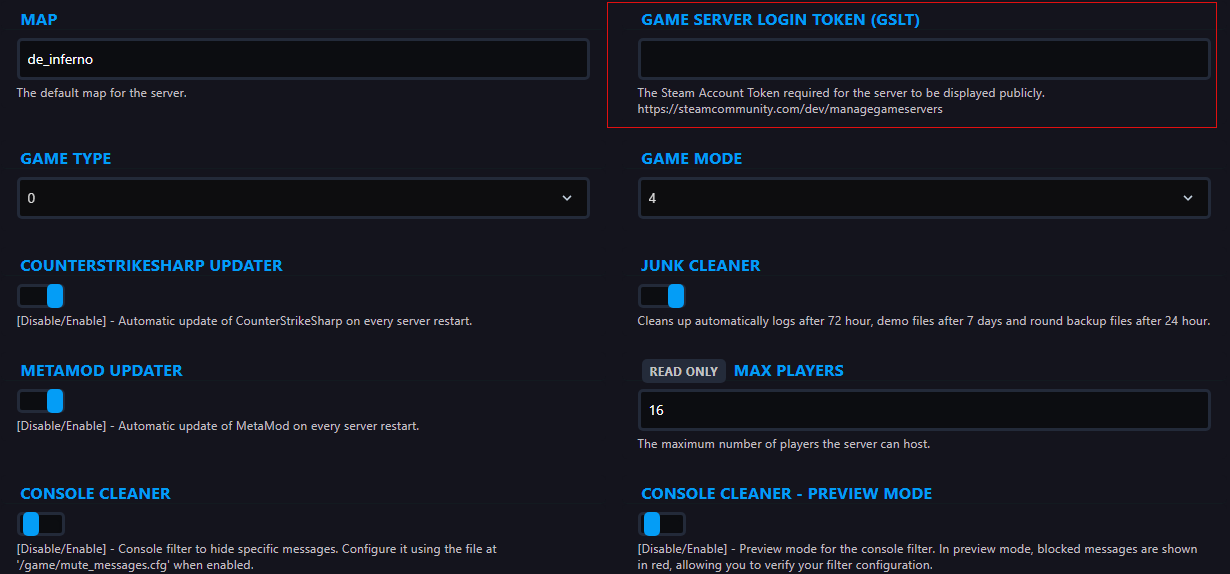
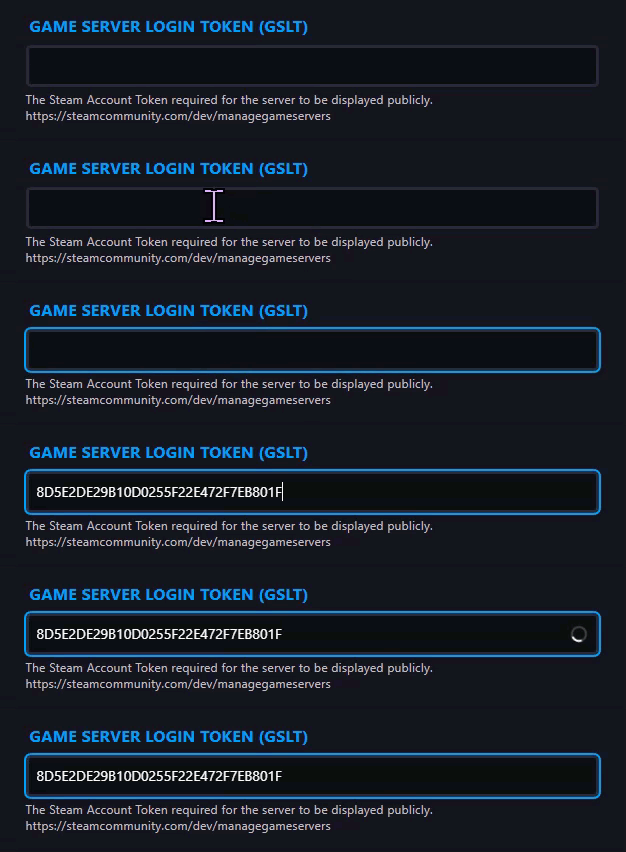
Step 4) Paste your Login Token into the field and make sure it’s enabled.
Step 5) Go back to the console and "START" the server again

