How to change startup map
In this tutorial will show you how to change the startup of your Counter-Strike 1.6 server.
TIP
Before we start, please make sure you upload the map you want at directory maps. If not sure how to upload the map, please follow steps here.
HOW TO CHANGE STARTUP MAP?
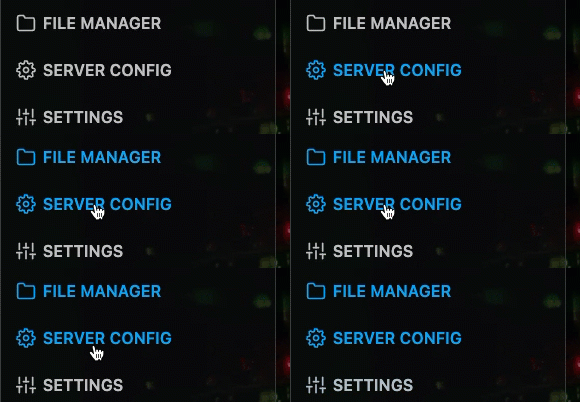
Step 1) Go to the console > click on your server > navigate to "SERVER CONFIG" or "FILE MANAGER" open a cstrike directory > and click on "server.cfg"
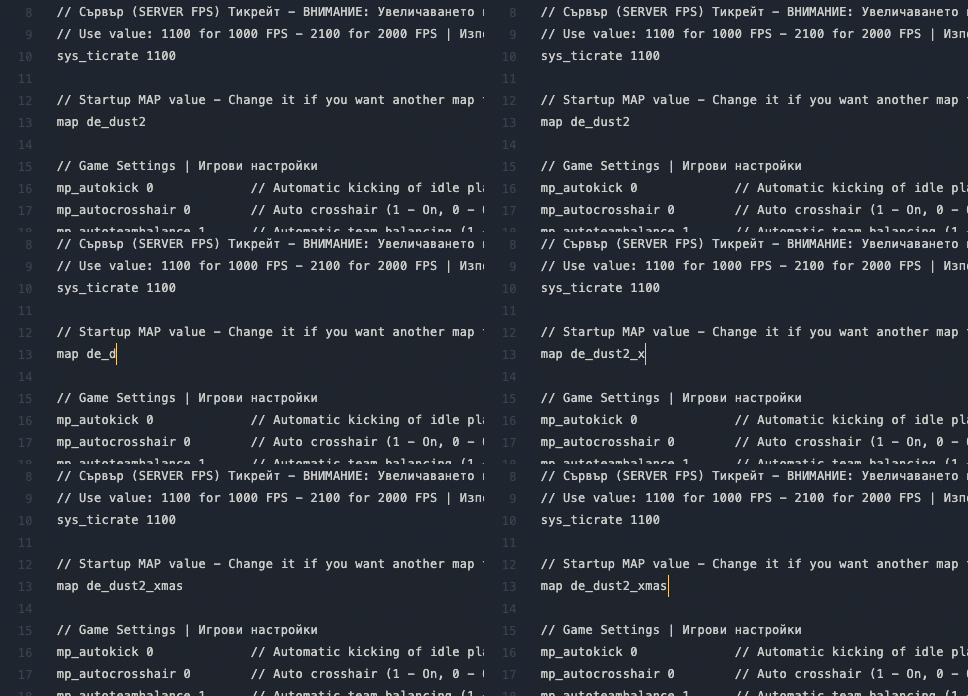
Step 2) Find the parameter "map" and change the name of the current map to what you want.
Step 3) When you update the map name, restart your server.