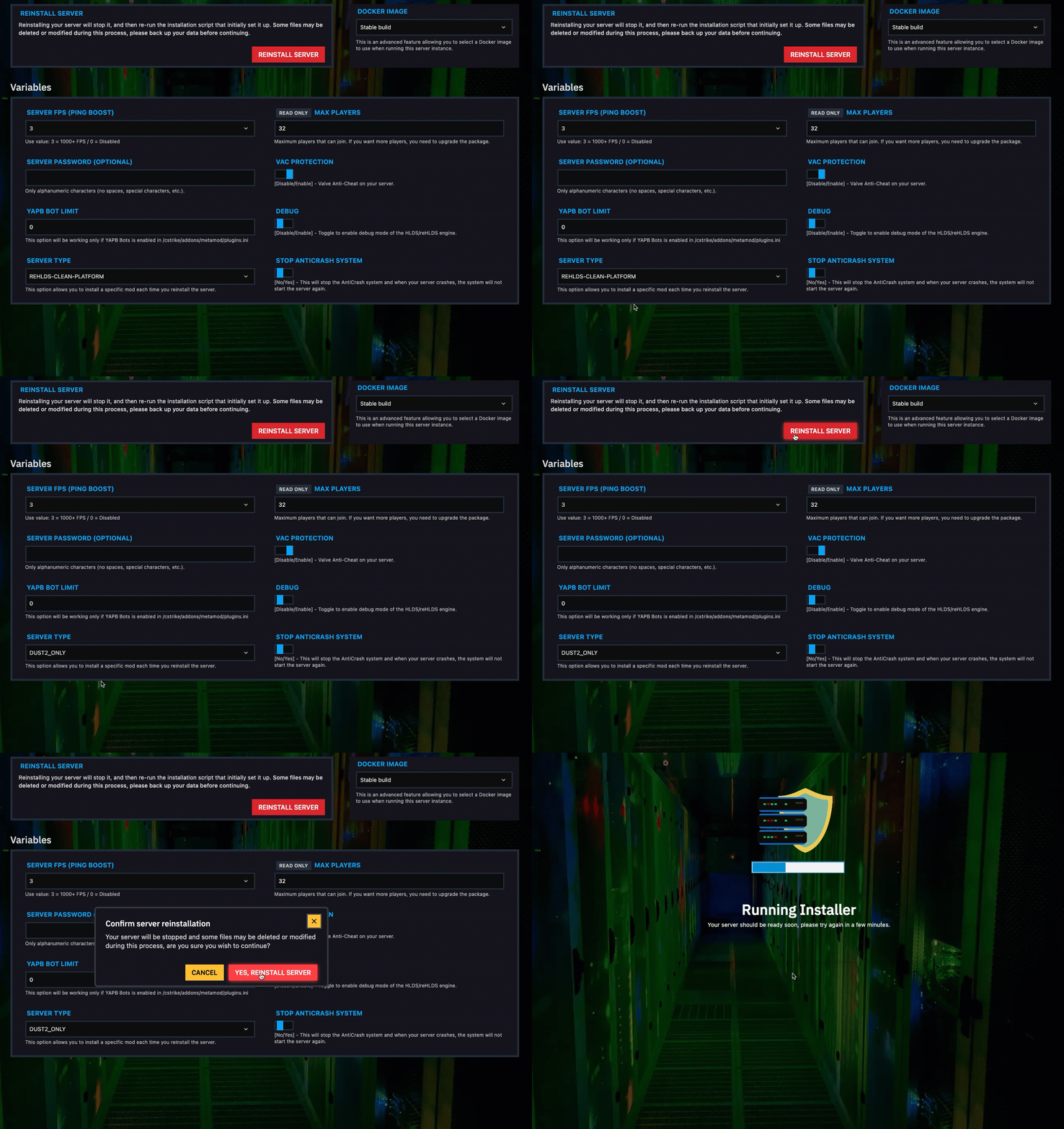
How to change pre-configure server mode
In this tutorial will show you how to change the mode in your Counter-Strike 1.6 server.
NOTE
Changing server mode will permanently delete all files on your server.
HOW TO CHANGE PRE-CONFIGURE SERVER MODE?
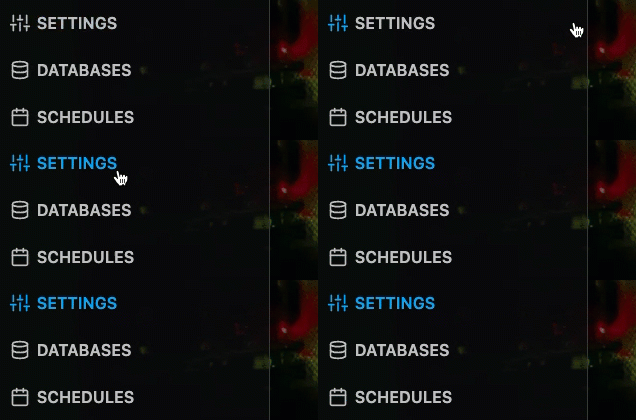
Step 1) Go to the console > click on your server > navigate to "SETTINGS"
Step 2) Locate the "SERVER TYPE" drop-down menu, select the server mode you want and then click on "REINSTALL SERVER"