How to use World modifiers on your Valheim server
Modifying the world in Valheim opens up endless possibilities for customization and new challenges. Whether you're a new player or a veteran, changing the world can refresh your experience and add new exciting elements to the game. In this tutorial, we will show you the steps to access these settings.
HOW TO USE WORLD MODIFIERS ON YOUR VALHEIM SERVER?
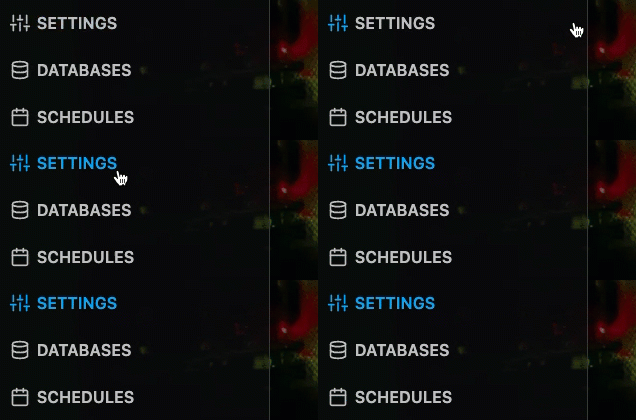
Step 1) Go to your console > click on your server > navigate to the "SETTINGS" section
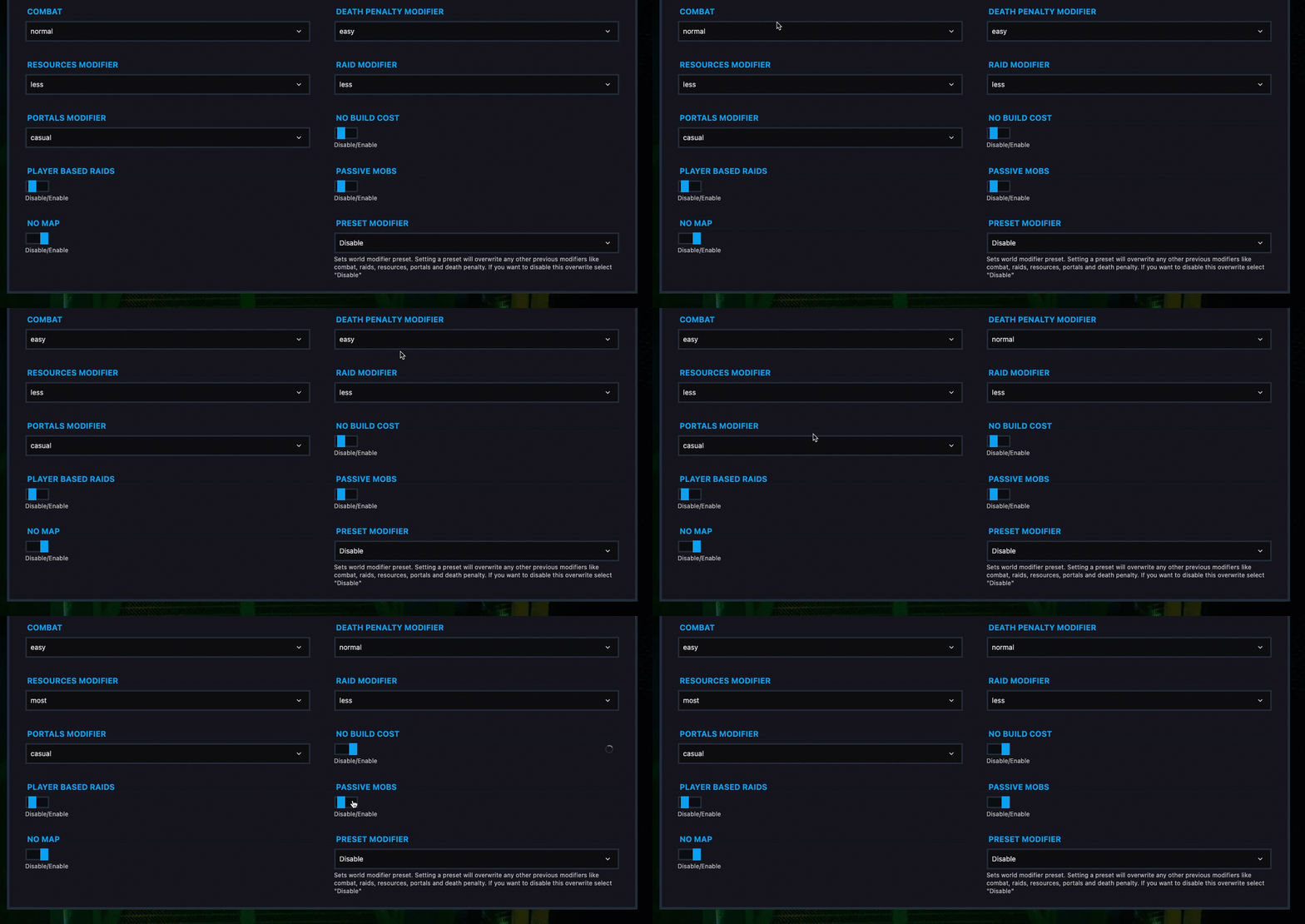
Step 2) Scroll down and you will see all world modifiers. Make the changes you need and then RESTART your server.
NOTE
Setting a preset (in section PRESET MODIFIER) will overwrite any other previous modifiers like combat, raids, resources, portals and death penalty. If you want to disable this overwrite select "Disable"
Below you will see all preset values
| Preset | Combat | Death Penalty | Resource Rate | Raid Rate | Portals | No Build Cost | Player Based Raids | Passive Enemies | No Map |
|---|---|---|---|---|---|---|---|---|---|
| Easy | easy | normal | normal | less | normal | disabled | disabled | disabled | disabled |
| Hard | hard | normal | normal | more | normal | disabled | disabled | disabled | disabled |
| Hardcore | very hard | hardcore | normal | more | no boss portals | disabled | disabled | disabled | enabled |
| Casual | very easy | casual | x1.5 | none | portal items | disabled | enabled | enabled | disabled |
| Hammer mode | normal | normal | normal | none | normal | enabled | disabled | enabled | disabled |
| Immersive | normal | normal | normal | normal | no portals | disabled | disabled | disabled | enabled |
