How to change the difficulty on our V-Rising server
Step 1) Go to your console > click on your server and stop it using the "STOP" button.

Step 2) Once your server is stopped, go to "SERVER CONFIG".
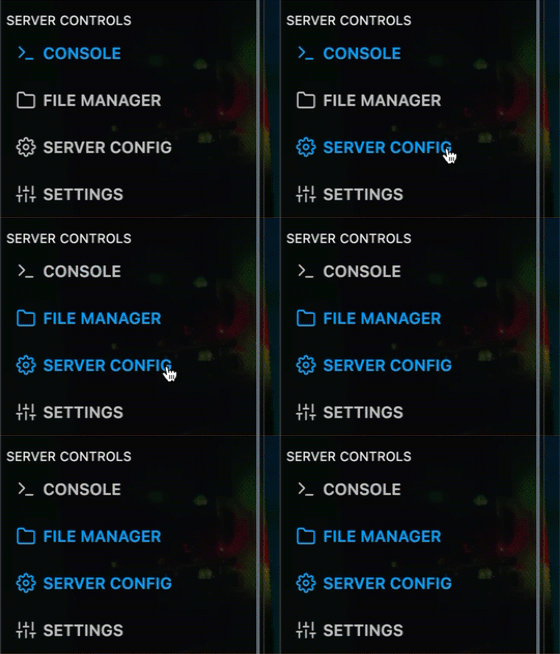
Step 3) When you are located in the server config, choose the below parameters and paste them under "AutoSaveCount": 50,
Under that line, paste the values for the difficulty mode you want to use.
Easy mode
"GameDifficulty": 0,
"SunDamageModifier": 0.75,
"BloodDrainModifier": 0.75,
"UnitStatModifiers_Global": {
  "MaxHealthModifier": 1,
  "PowerModifier": 0.7
},
"UnitStatModifiers_VBlood": {
  "MaxHealthModifier": 0.8,
  "PowerModifier": 0.6,
  "LevelIncrease": 0
},
"DropTableModifier_General": 1,
"DurabilityDrainModifier": 1,
Normal mode
"GameDifficulty": 1,
"SunDamageModifier": 1,
"BloodDrainModifier": 1,
"UnitStatModifiers_Global": {
  "MaxHealthModifier": 1,
  "PowerModifier": 1
},
"UnitStatModifiers_VBlood": {
  "MaxHealthModifier": 1,
  "PowerModifier": 1,
  "LevelIncrease": 0
},
"DropTableModifier_General": 1,
"DurabilityDrainModifier": 1,
Brutal mode
"GameDifficulty": 2,
"SunDamageModifier": 1.0,
"BloodDrainModifier": 1.0,
"UnitStatModifiers_Global": {
  "MaxHealthModifier": 1,
  "PowerModifier": 1.4
},
"UnitStatModifiers_VBlood": {
  "MaxHealthModifier": 1.25,
  "PowerModifier": 1.7,
  "LevelIncrease": 3
},
"DropTableModifier_General": 1.25,
"DurabilityDrainModifier": 0.5,
Step 4) Click Save Content.

Step 5) Go back to the Console and start the server again.

