How to install mods on your Hytale server
Installing mods on a Hytale server enables deeper customization by adding new content and modifying gameplay mechanics. This helps create a unique experience that stands out from the default version and keeps players engaged long-term. In this tutorial will show you how to install mod(s) in your Hytale server.
HOW TO INSTALL MODS VIA MOD INSTALLER IN CONTROL PANEL?
Step 1) Go to the console > click on your server > navigate to "MOD INSTALLER"

Step 2) When located in mod browsing choose the mod you want and click "INSTALL MOD"

Step 3) When the mod is installed, go back to your "CONSOLE" and start your server.

HOW TO INSTALL MODS MANUALLY ON THE SERVER?
Have several websites for Hytale mods, in this tutorial we recommended to use CurseForge to download mods.
You can choose mod and download from this URL https://www.curseforge.com/hytale/
The mods can be in format .jar or .zip
- all type of these files can upload in mods directory.
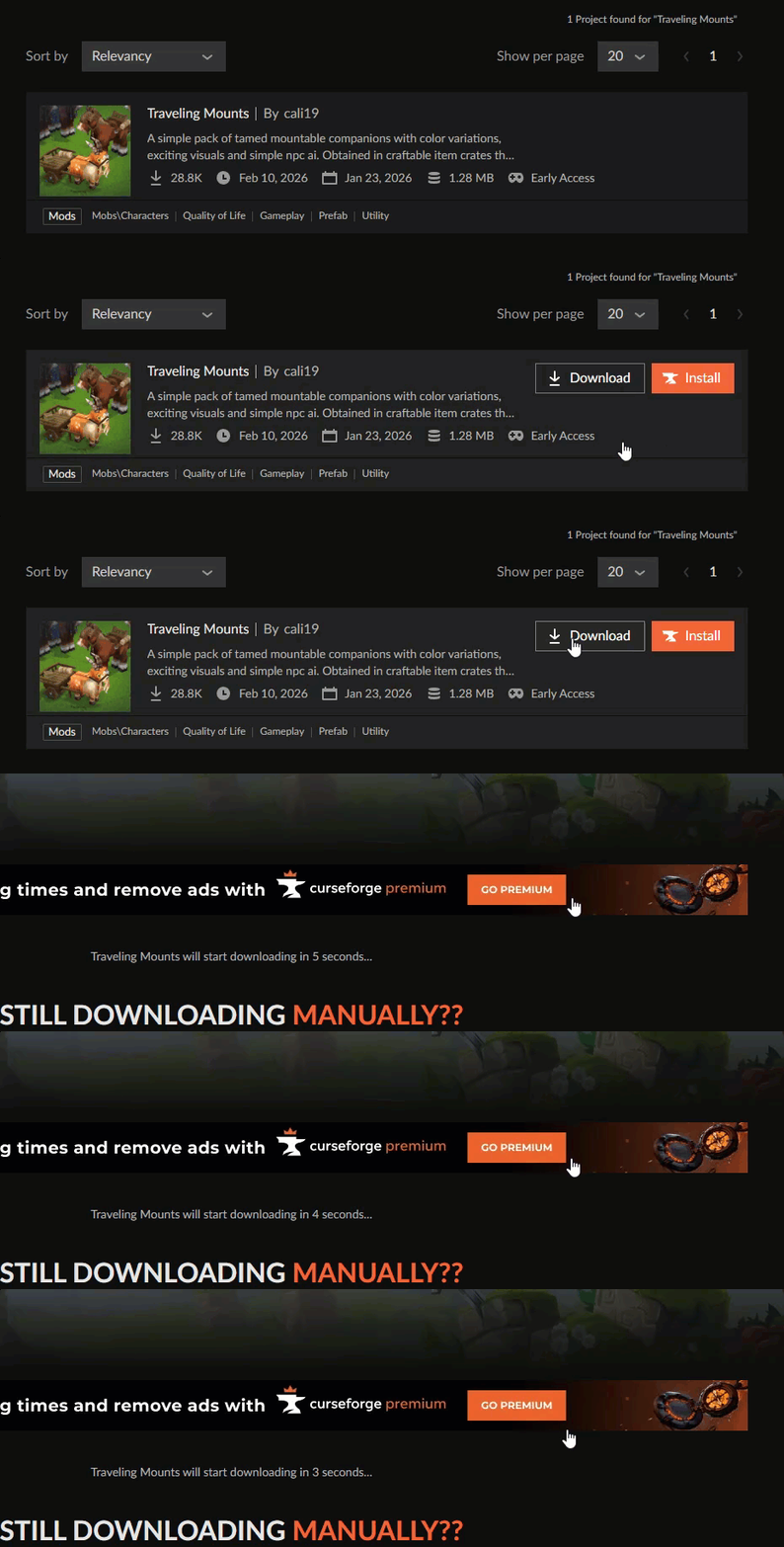
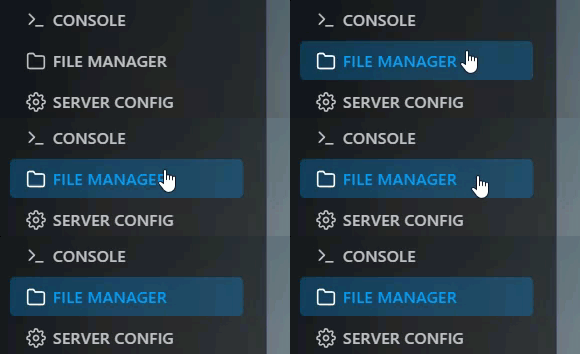
Step 1) When you download the mod, go to the console > click on your server > navigate to "FILE MANAGER"
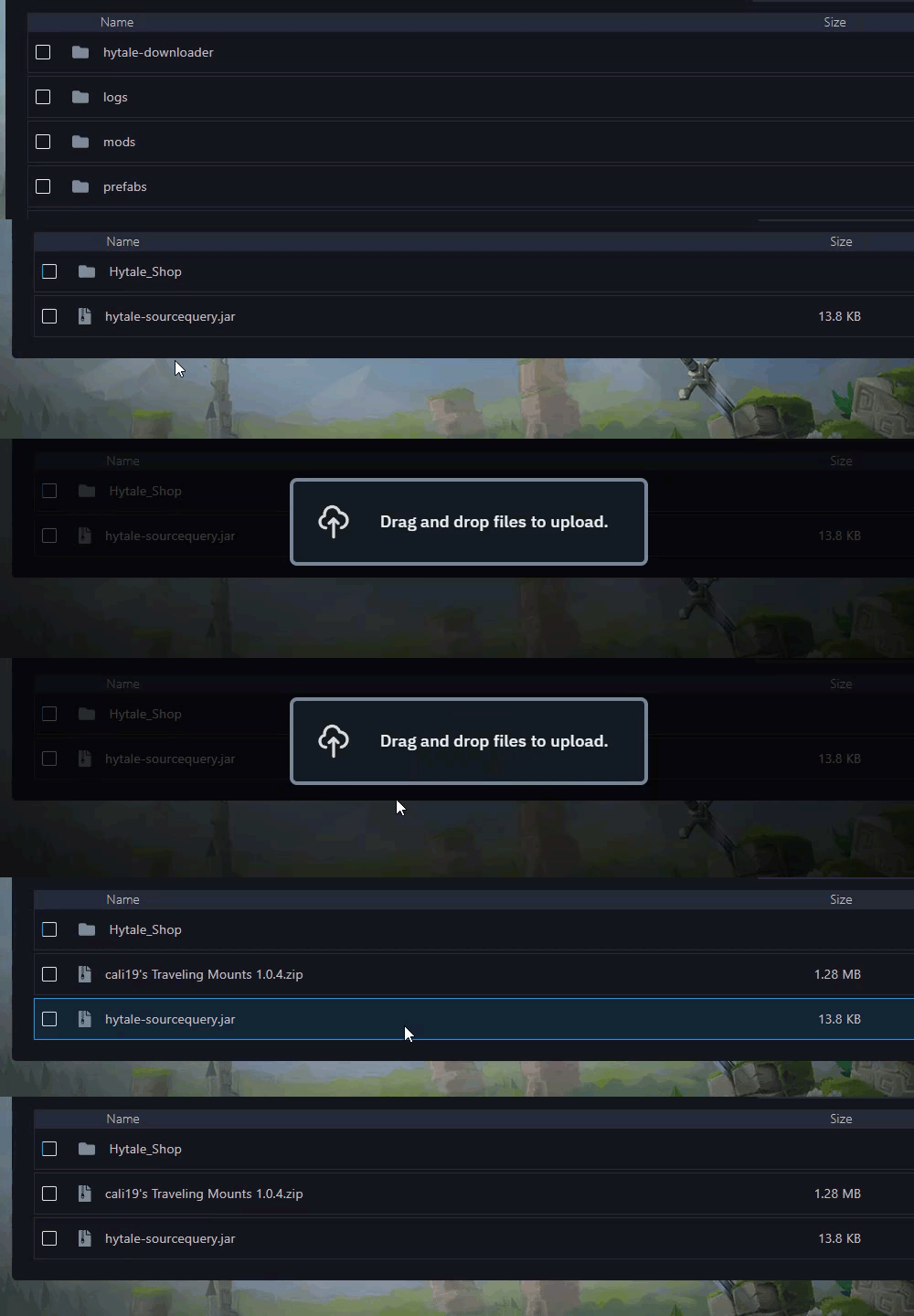
Step 2) In File Manager go to mods directory and upload the mod(s) in that directory.
Step 3) When you have already uploaded the mod(s) you want, go back to your "CONSOLE" and restart your server.