How to Run Traceroute on Windows, Linux and MacOS
In this guide, we will show you how to run a traceroute on different operating systems.
Traceroute is a command-line tool used to trace the path that network traffic takes from your computer to a destination IP address or hostname. It helps identify routing problems, connection slowdowns, or packet loss between networks.
On Windows, the command is called:
tracert
On Linux, the command is called:
traceroute
Running traceroute on Windows
Step 1) Open Command Prompt.
You can do this in either of these ways:
- Press Win + R, type
cmd, then press Enter - Search for Command Prompt in the Start menu
Step 2) Run the following command:
tracert [hostname or IP]
Example:
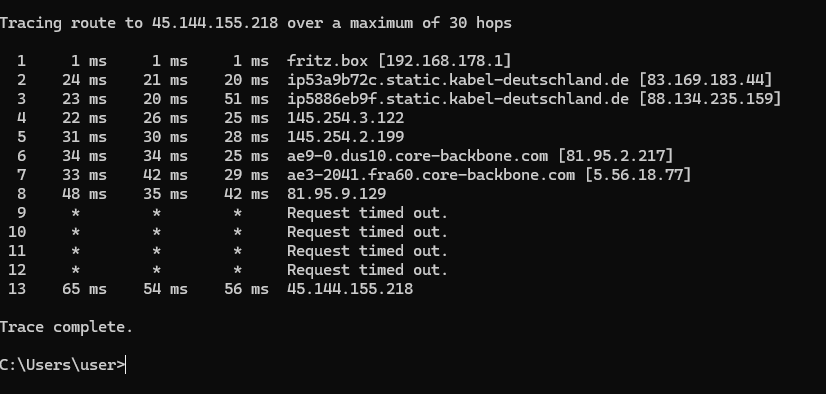
tracert 45.144.155.218
Wait 1 to 2 minutes for the trace to finish. You will then see output similar to this:
Running traceroute on Linux/MacOS
Step 1) Open the Terminal in your Linux distribution.
Step 2) Run the following command:
traceroute [hostname or IP]
Example:
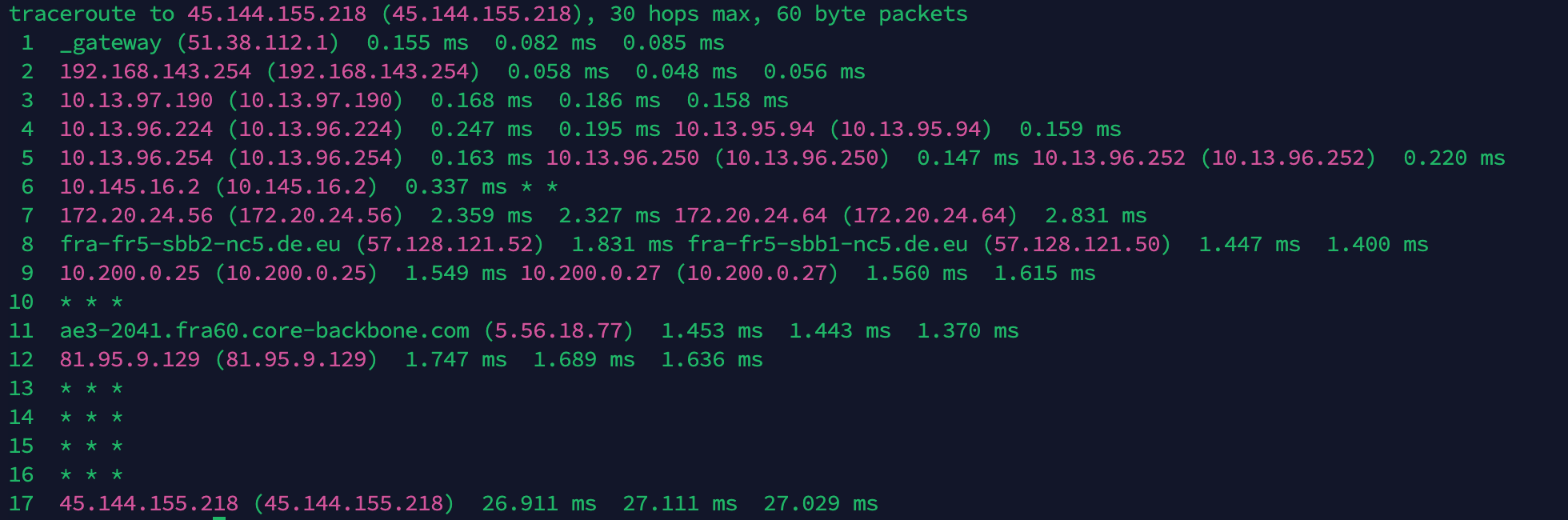
traceroute 45.144.155.218
Wait 1 to 2 minutes for the trace to finish. You will then see output similar to this: