Voice chat stops working after map change
Players on your Counter-Strike 2 server lose voice chat after a map change. They can see that others are speaking, but they hear nothing, and only a full restart of the game brings the voice back. Reconnecting to the server does not help.
This is a bug in the CS2 game client, not a problem with your server or our hosting. It can't be fixed on the server side — Valve has to fix it in a game update.
Why it happens
The bug is tracked by Valve as csgo-osx-linux#3980. When the game unloads Workshop content during a map change, it also removes the sound resource used for voice chat (sounds/servervoice.vsnd_c). Voice stays broken until the player restarts CS2 — even on other servers and in matchmaking.
| Before October 22, 2026 | After the CS2 update of October 22, 2026 |
|---|---|
| Happened only when the server changed from a Workshop map to an official map. | Happens on every map change if the server loads any Workshop addon, for example through MultiAddonManager — even on official maps only. |
How to check if your server is affected
Your server is affected if it uses any of these:
- Workshop addons in MultiAddonManager (
mm_extra_addonsormm_client_extra_addons) — sound packs, MVP anthems, menus, models. - A Workshop Map ID or Workshop Collection in SETTINGS.
- Map changes to Workshop maps with
host_workshop_map.
What you can do
There are two options until Valve releases a fix.
Option 1 — Temporarily remove the Workshop addons
This keeps the voice chat working, but you lose the custom content (sounds, menus…) until Valve fixes the bug.
Step 1) Go to your console and stop your server using the "STOP" button.

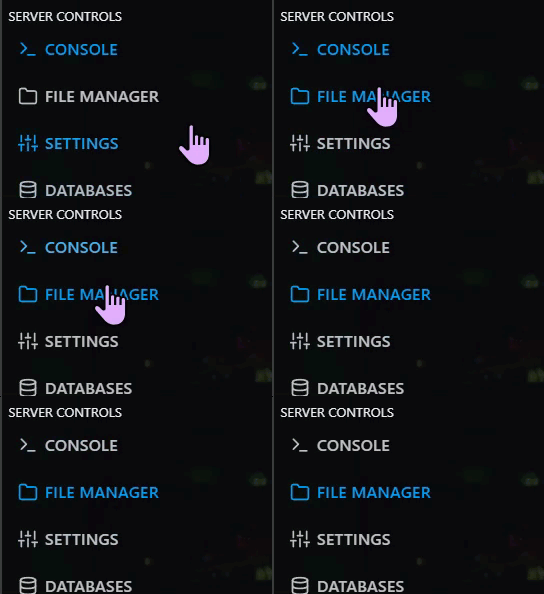
Step 2) Go to "FILE MANAGER" and open game > csgo > cfg > multiaddonmanager > multiaddonmanager.cfg.
Step 3) Write down your addon IDs somewhere, then empty both lists:
mm_extra_addons ""
mm_client_extra_addons ""
Step 4) Make sure mm_extra_addons is not set in other config files as well — see Why mm_extra_addons must be set in only one config file.
Step 5) Save the file and start your server.
Step 6) Change the map a few times with players on the server. If the voice keeps working, the Workshop addons were the cause. Put your IDs back when Valve fixes the bug.
Option 2 — Keep the addons
Keep everything as it is and tell your players to restart CS2 if their voice stops after a map change. You can add a message to your server's advertisements, for example:
Voice not working after map change? Restart CS2 - this is a known Valve bug.
Follow the Valve issue #3980 to see when the bug is fixed.
