How schedules work and how to setup?
A schedule is an automated task system inside control panel that lets you run commands or actions on your server at specific times.
For what I can use schedule?
- Start/Restart/Stop or Kill server automatically
- Run backup on specific time
- Executing commands at a specific time
HOW TO SETUP SCHEDULE FOR MY SERVER?
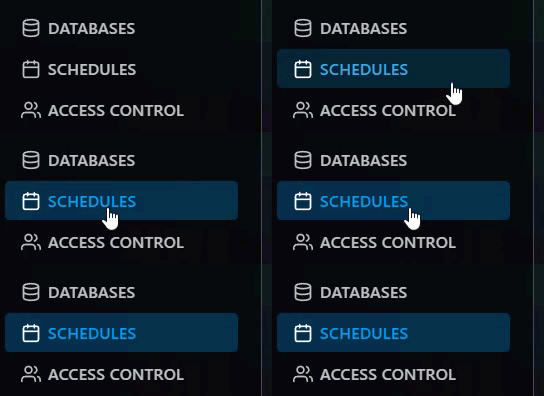
Step 1) Go to your console > click on your server > navigate to the "SCHEDULES" button.
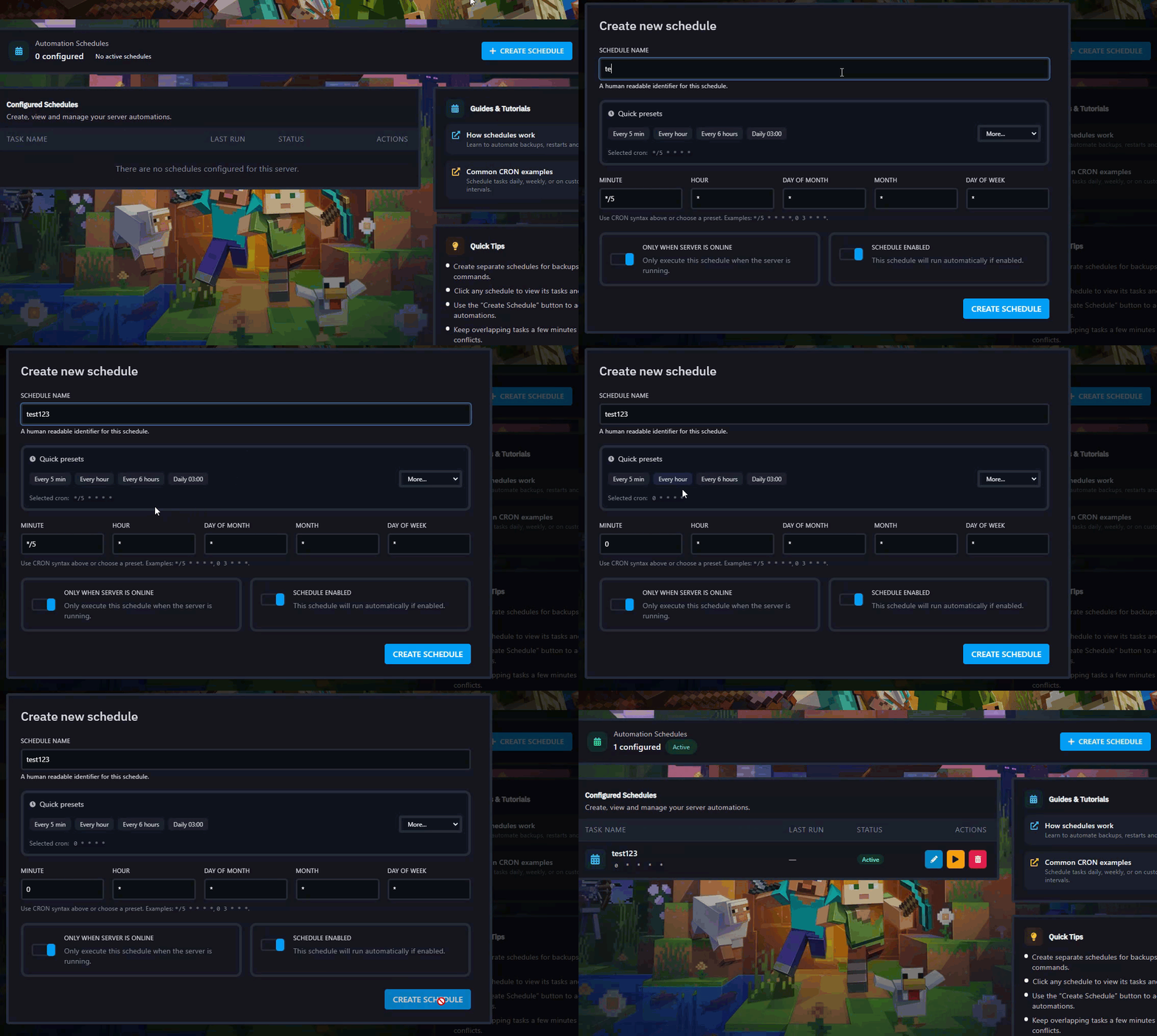
Step 2) Click on "CREATE SCHEDULE" you will see a window with schedule information, in this windows you can set specific time when you want to run the schedule, so when you choose the time or how much the schedule run click on "CREATE SCHEDULE"
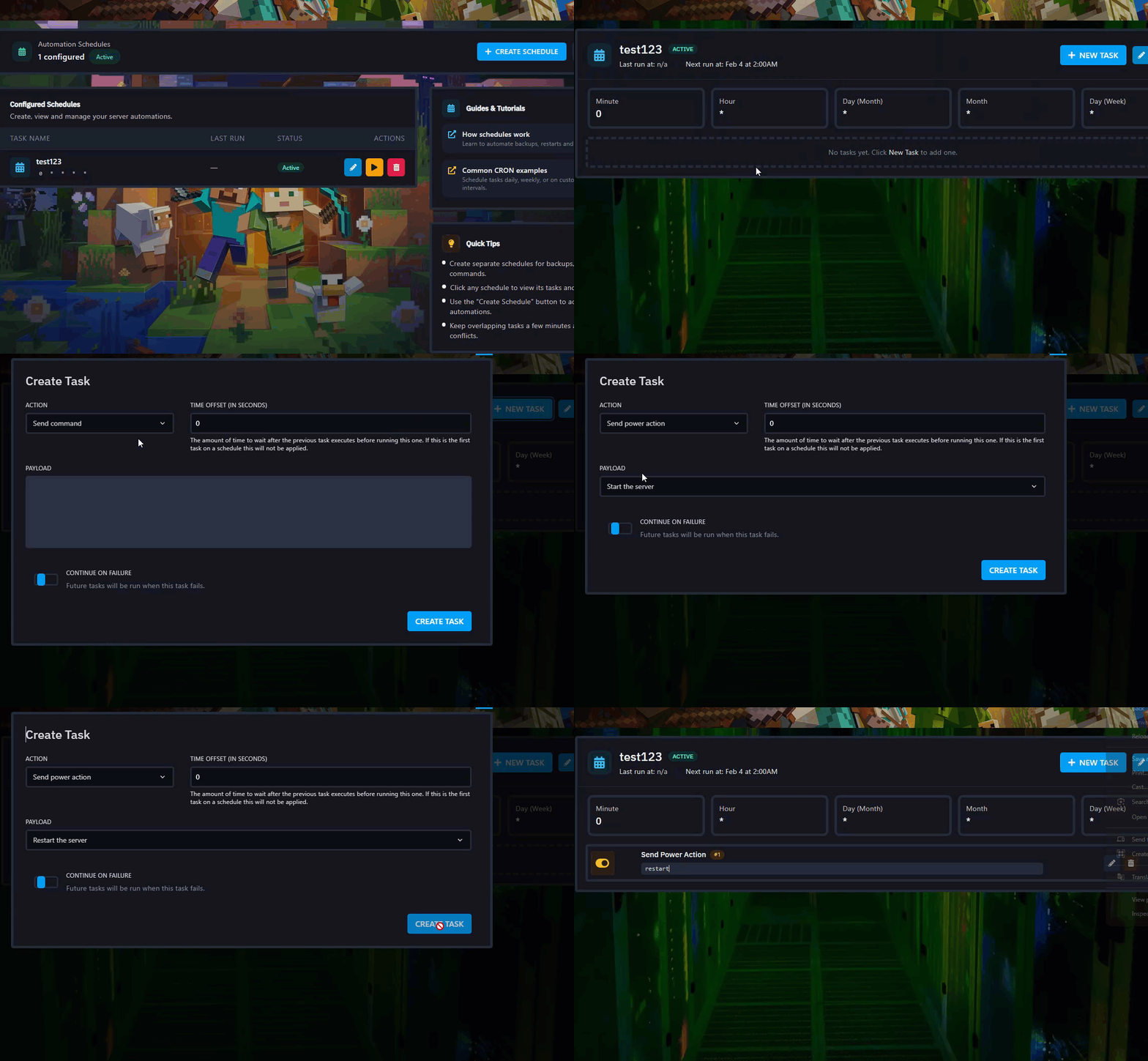
Step 3) When you ready with a created schedule click on it and you will redirect to task page, in this page click "NEW TASK" and choose action or command you want the schedules run.
You can choose one of 3 options:
- Send command: You can send command in console of your server.
- Send power action: With this you can start/stop or restart server.
- Create backup: Easy can create backup for your server.