Keeping Metamod, CounterStrikeSharp and SwiftlyS2 up to date
Our Counter-Strike 2 servers can install and update the most popular plugin frameworks for you. In this guide we explain how the automatic installation works and how to force an update.
The frameworks
| Setting in the panel | Framework | Notes |
|---|---|---|
| MetaMod:Source | Base plugin loader | Required by CounterStrikeSharp and by all Metamod plugins (.vdf). |
| CounterStrikeSharp | C# plugin platform | Needs MetaMod:Source (enabled automatically). |
| SwiftlyS2 | C# plugin platform | Works without MetaMod:Source. |
| ModSharp | C# plugin platform | Not compatible with the others. |
| Allow Prerelease Updates | — | Also installs beta versions of the frameworks. Leave it off unless a fix is only available as a beta. |
We recommend using only one C# framework — CounterStrikeSharp or SwiftlyS2. See CounterStrikeSharp vs SwiftlyS2.
How to enable or disable a framework
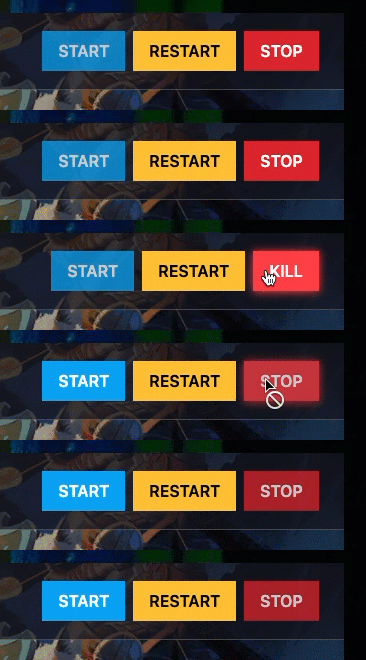
Step 1) Go to your console and stop your server using the "STOP" button.
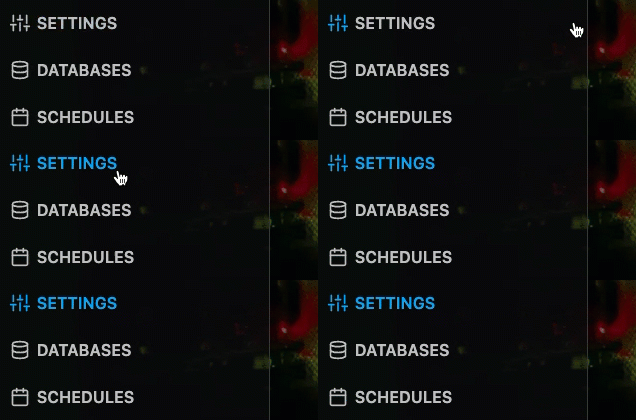
Step 2) Go to "SETTINGS" and find the frameworks in the Variables section.
Step 3) Enable or disable the framework you need.
Step 4) Start the server. The framework is downloaded and installed during the start.
Do not disable MetaMod:Source while you use CounterStrikeSharp or Metamod plugins. Without it none of them can load.
How automatic updates work
Every time the server starts, it checks the latest released version of every enabled framework. The installed versions are stored in the file /egg/versions.txt, for example:
Metamod=git1483
CSS=v1.0.378
Swiftly=v1.4.14
If a newer version exists, it is downloaded and installed automatically. So after a CS2 update, a simple restart is enough to get a fixed framework — as soon as its authors release one.
How to force a reinstall of a framework
If a framework is broken (for example you deleted some of its files by mistake), you can force a clean reinstall:
Step 1) Stop your server.
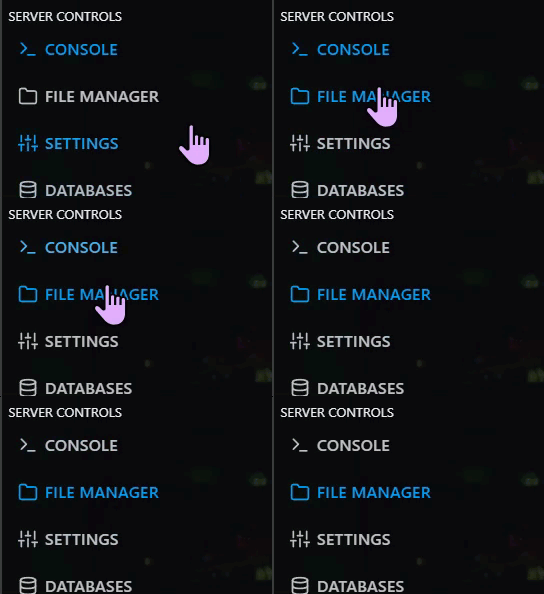
Step 2) Go to "FILE MANAGER" and open /egg/versions.txt.
Step 3) Delete the line of the framework you want to reinstall (for example the CSS=… line) and save the file.

Step 4) Start the server. The framework is installed again with the latest version.
A reinstall replaces the framework files. Your plugins are normally kept, but make a backup of your server before you do it, just in case.
Plugins are not updated automatically
The automatic updates are only for the frameworks. Plugins you uploaded yourself — Metamod plugins like MultiAddonManager and all CounterStrikeSharp / SwiftlyS2 plugins — must be updated manually. See What to do after a Counter-Strike 2 update breaks your plugins.
